Run GPT-6 Astra with CodexPreview generations in Claude Desktop
Compare assets side by side
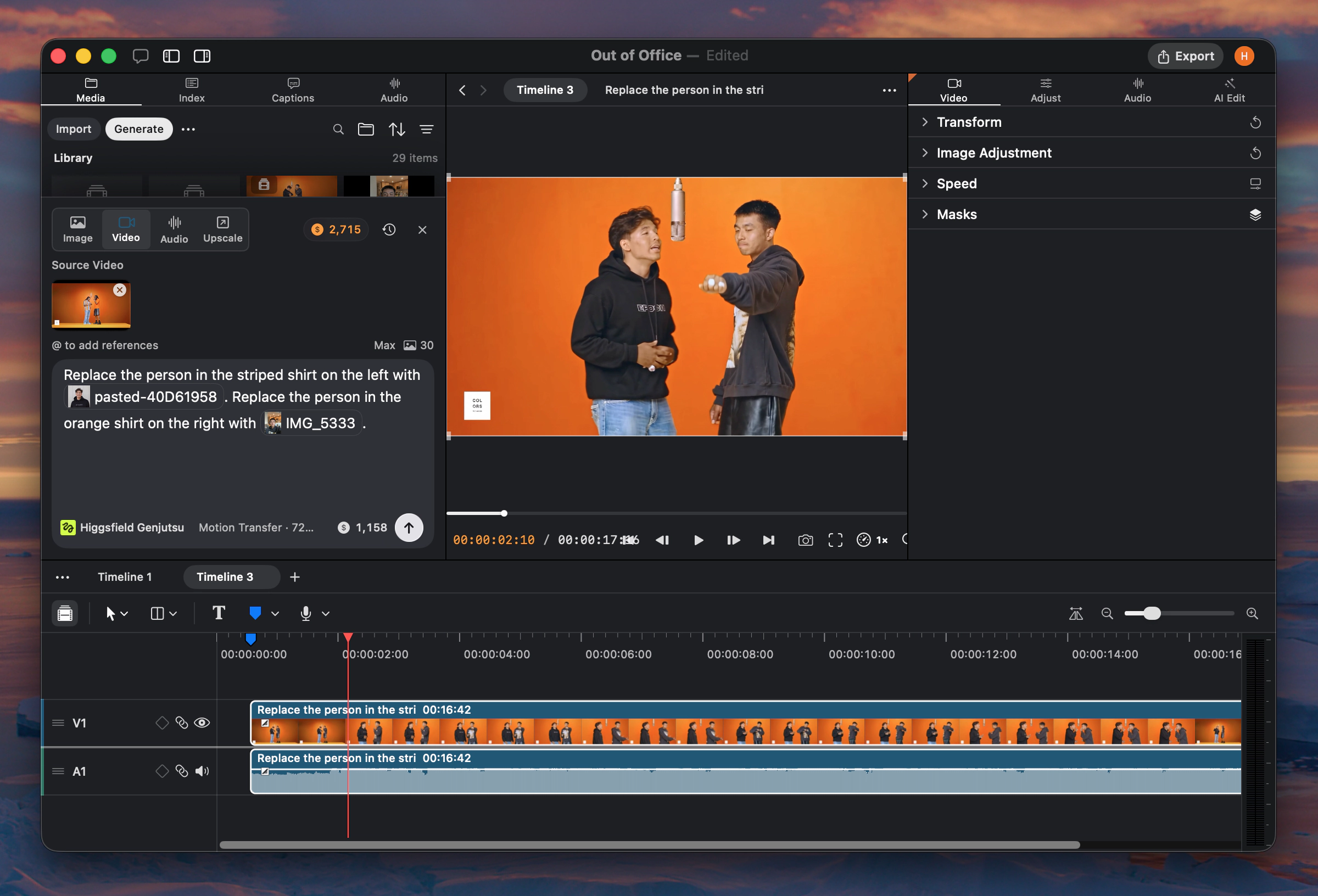
Type @ to attach media
New
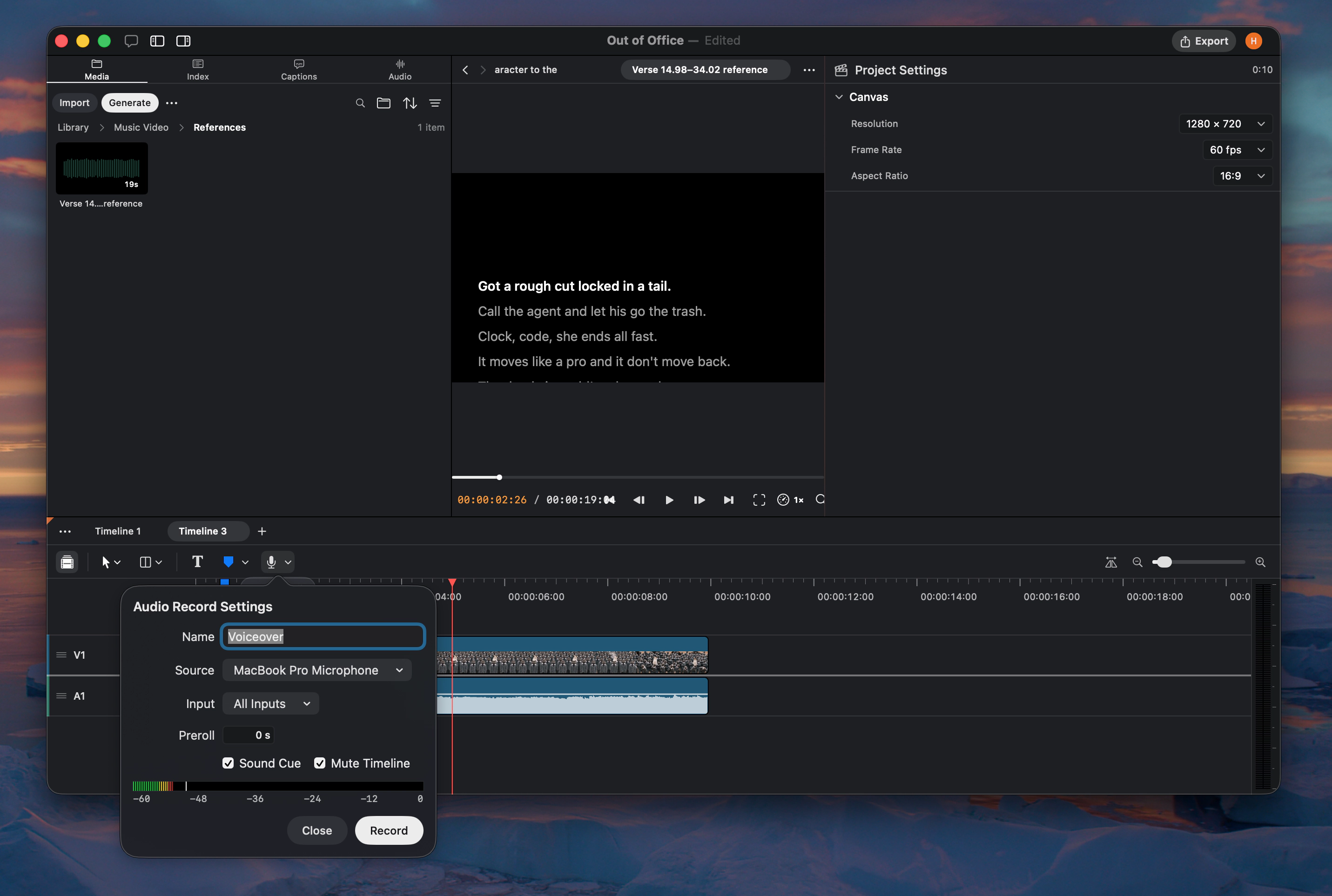
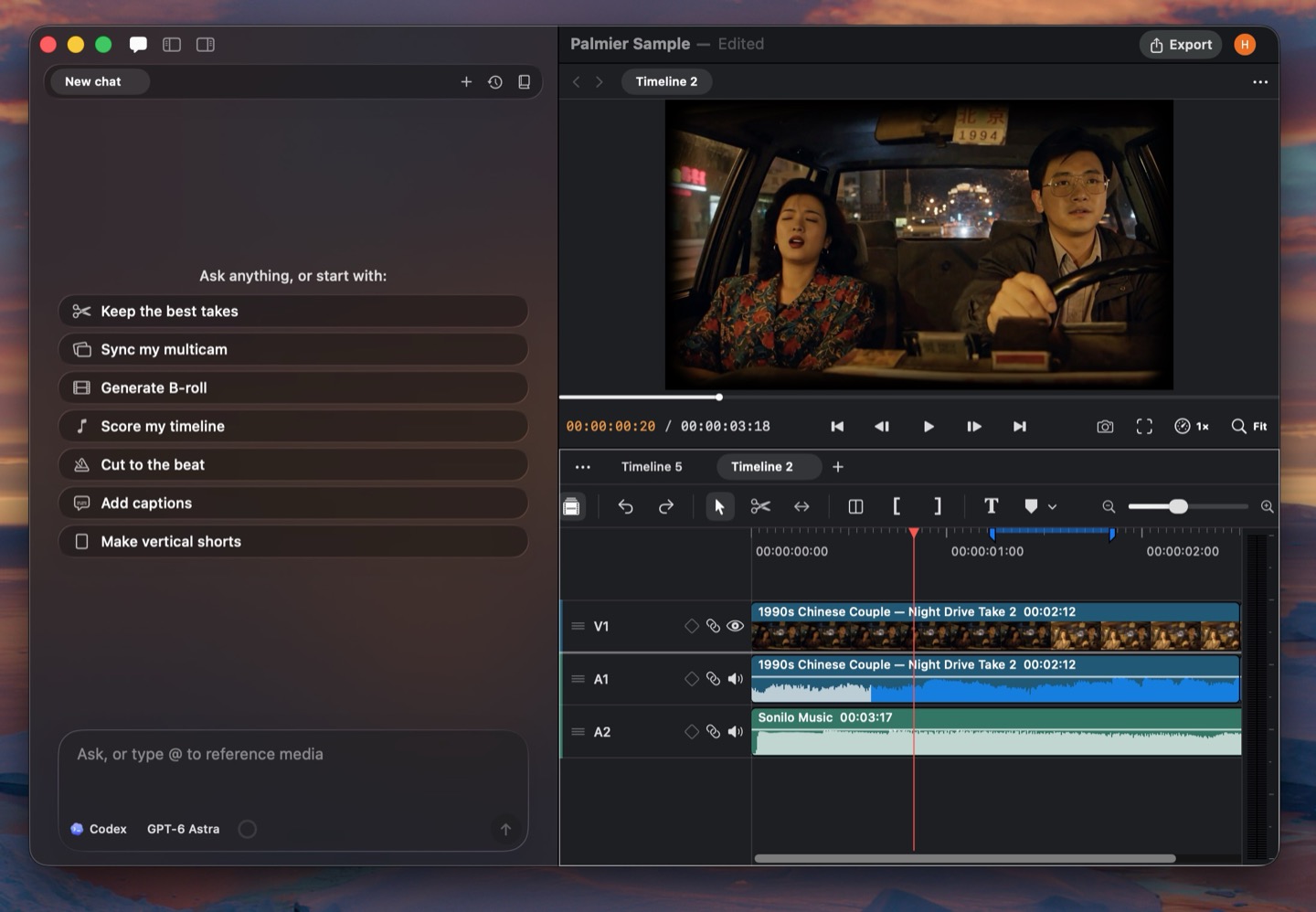
Claude Code and Codex inside Palmier. The in-app chat now supports Claude Code, Codex, or Palmier harness. You can bring your own API keys or use existing Claude/Codex subscriptions.
New harness and models. GPT-6 Astra, Fable 5.1, GPT-2.5 Image are now available on Palmier. We have replaced the in-app chat with Claude Code/Codex/Palmier harness, meaning the agent can now run scripts/CLI (ffmpeg, yt-dlp, etc.), web search, write remotion/hyperframe codes, and do much more.
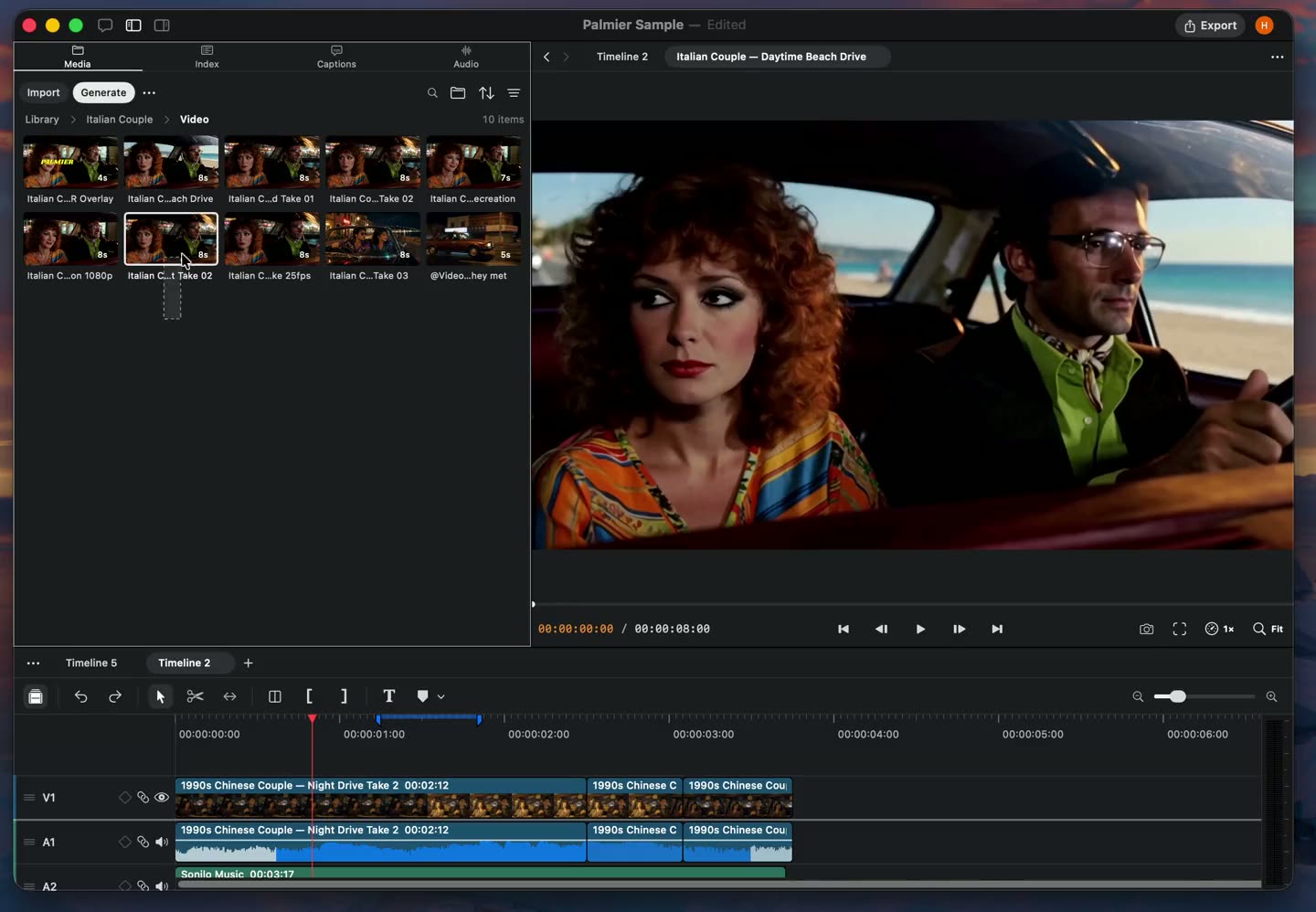
Compare multiple media. You can select multiple media in the media panel to preview them side by side (Limit 9).
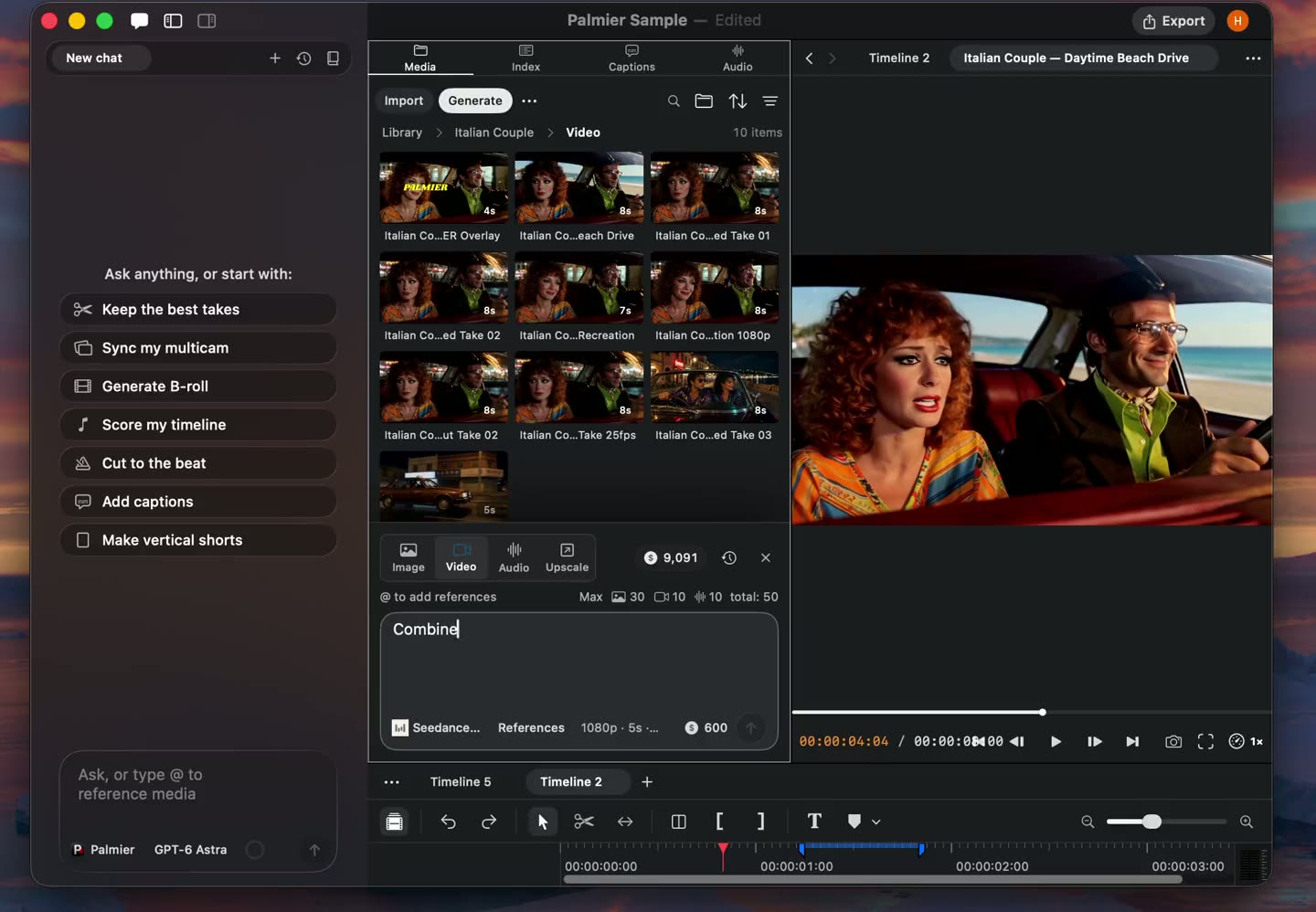
Better UX with referencing media. In the chat or generation panel, you can now type @ to attach media with better UI.
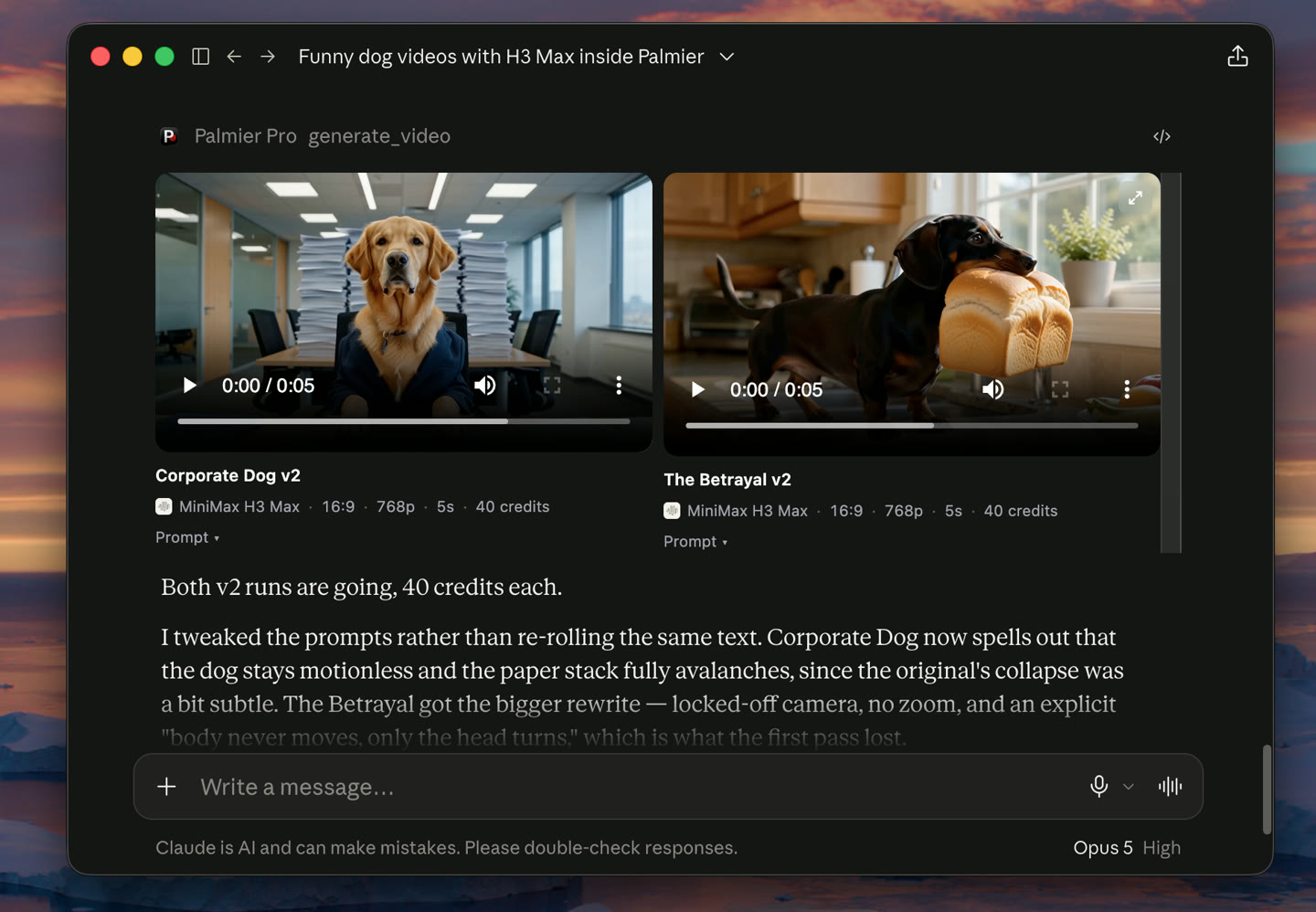
MCP apps. You can now preview the generated media in Claude Desktop and Cursor without going back to the editor.
Improvements and fixes
Each audio asset now shows the real waveform from the source file.
Lower memory usage during export.
Improved chat rendering performance and UI.
Fixed beat detection reliability.
Improved remove silence accuracy.
Fixed key frame schema in the MCP tool.
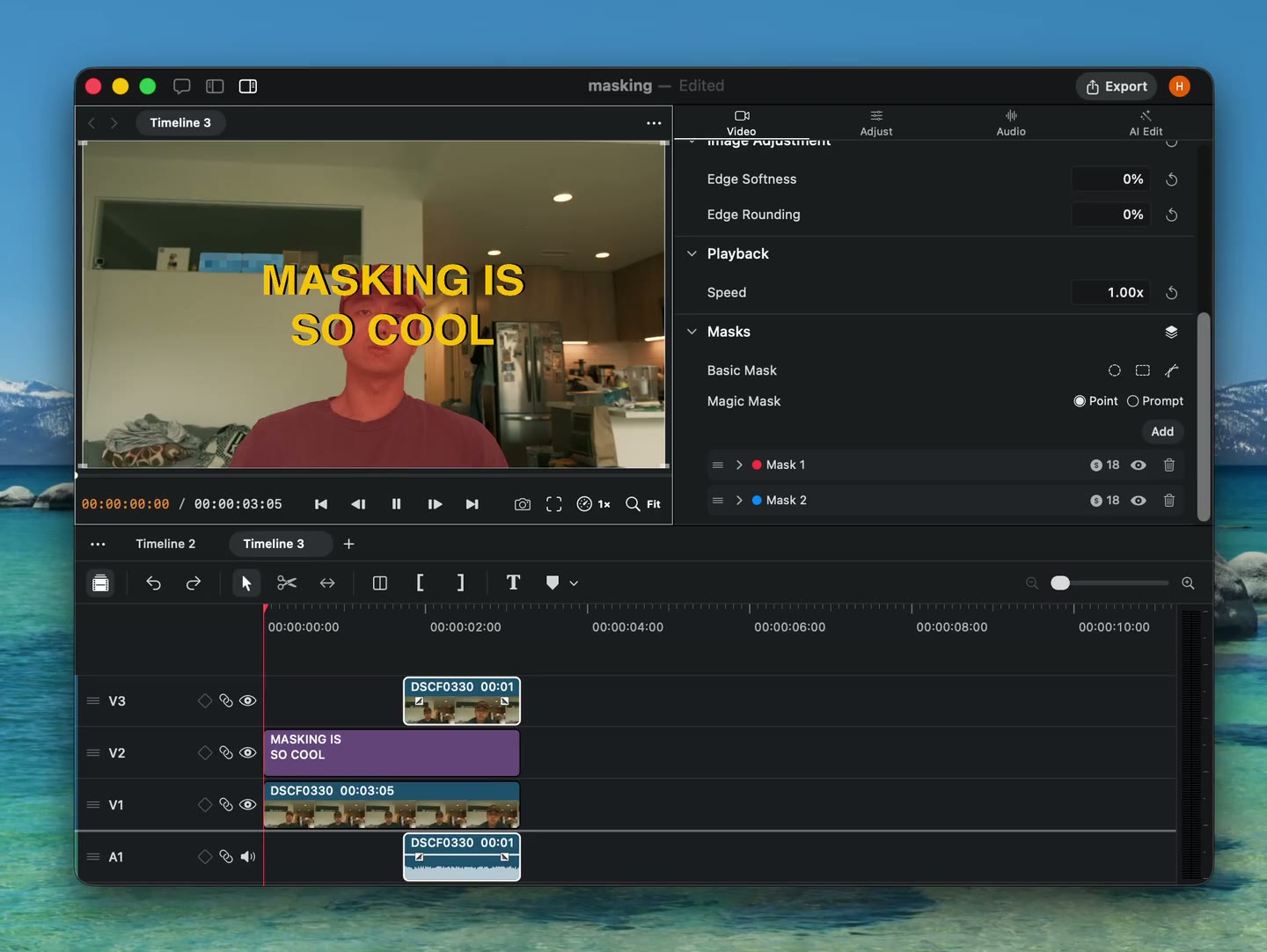
Magic Mask
New
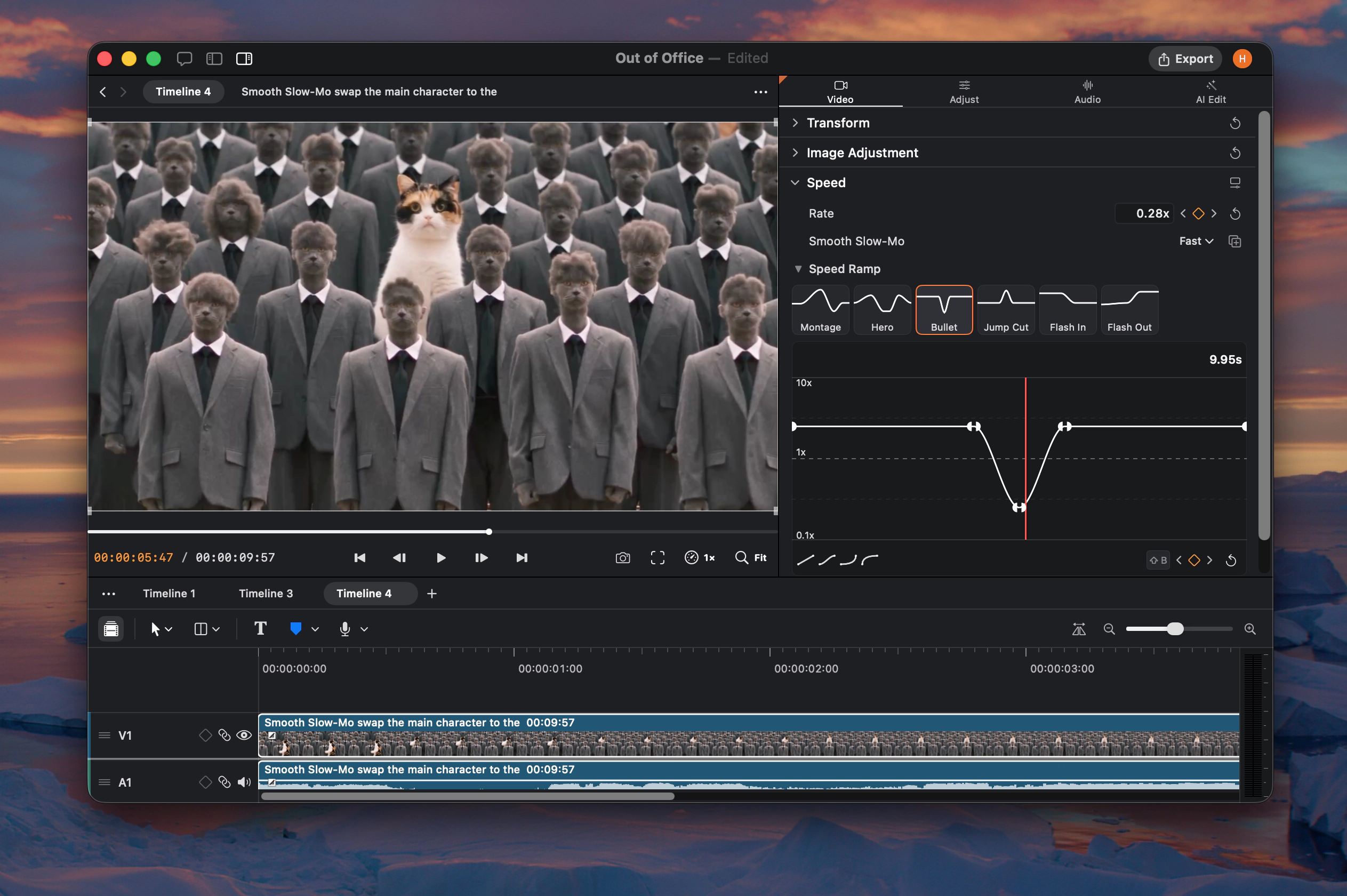
Magic Mask. Ask Agent to identify an object and create a mask, or prompt one in the video inspector.
Basic masks. Add ellipse, rectangle, and linear masks.
Per-mask effects. Apply effects to masked areas.
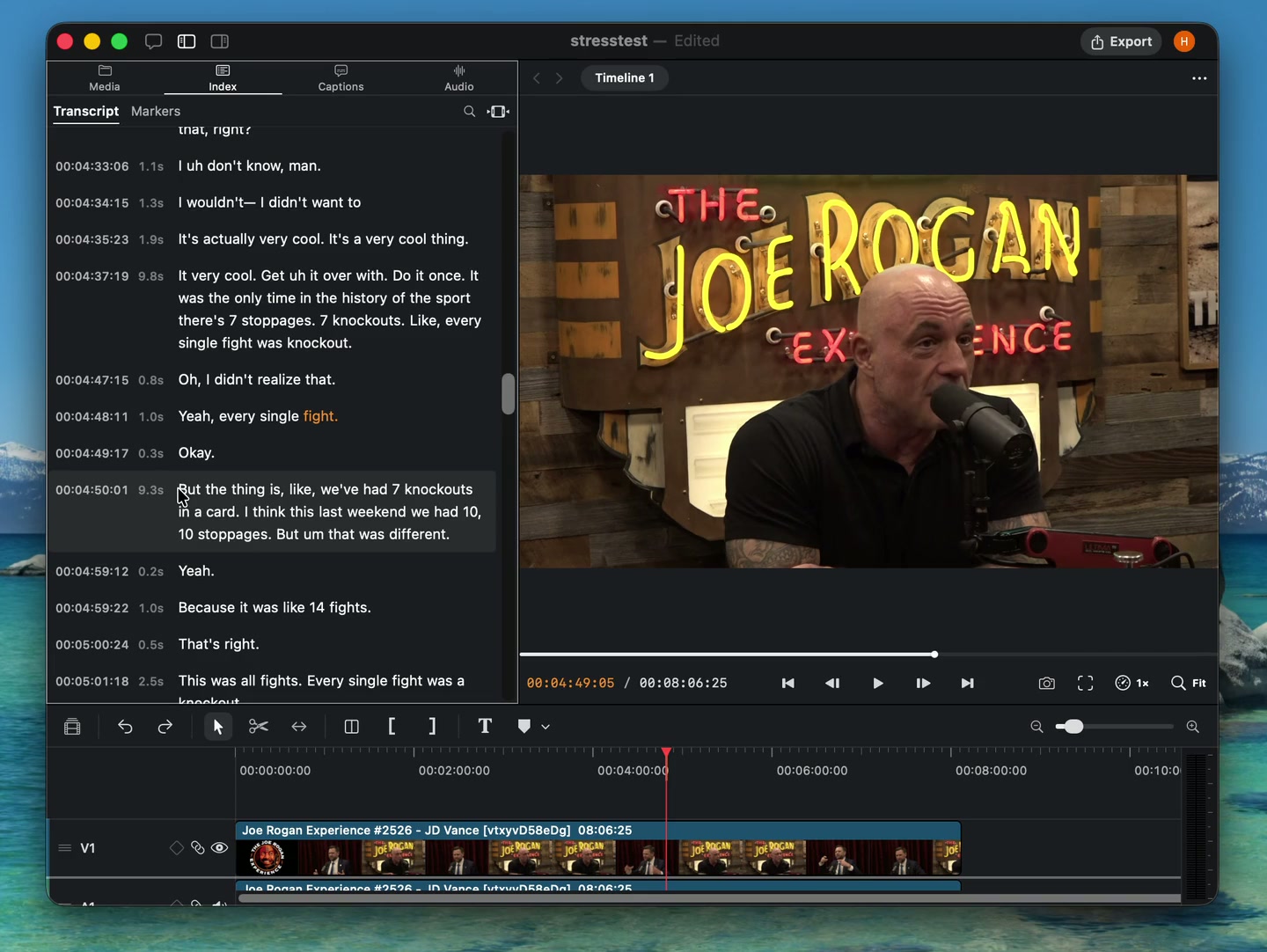
Transcript markers. Select words in the Index transcript and press M to add a marker to that range.
Layout motion. Agent can apply preset layouts with built-in motion.
Timeline Index
New
Timeline Index. Search timeline transcripts, manage markers, and hand work off to Agent from the media panel.
Ripple markers. Keep markers attached to their content as ripple edits move clips.
On-demand Smart Search. The Smart Search model now installs when Agent needs it.
More languages. Added German, Dutch, Polish, Swedish, Czech, Danish, Norwegian, Finnish, Ukrainian, Indonesian, Thai, Hebrew, and European Portuguese.
Keyframe lanes and timeline markers
New
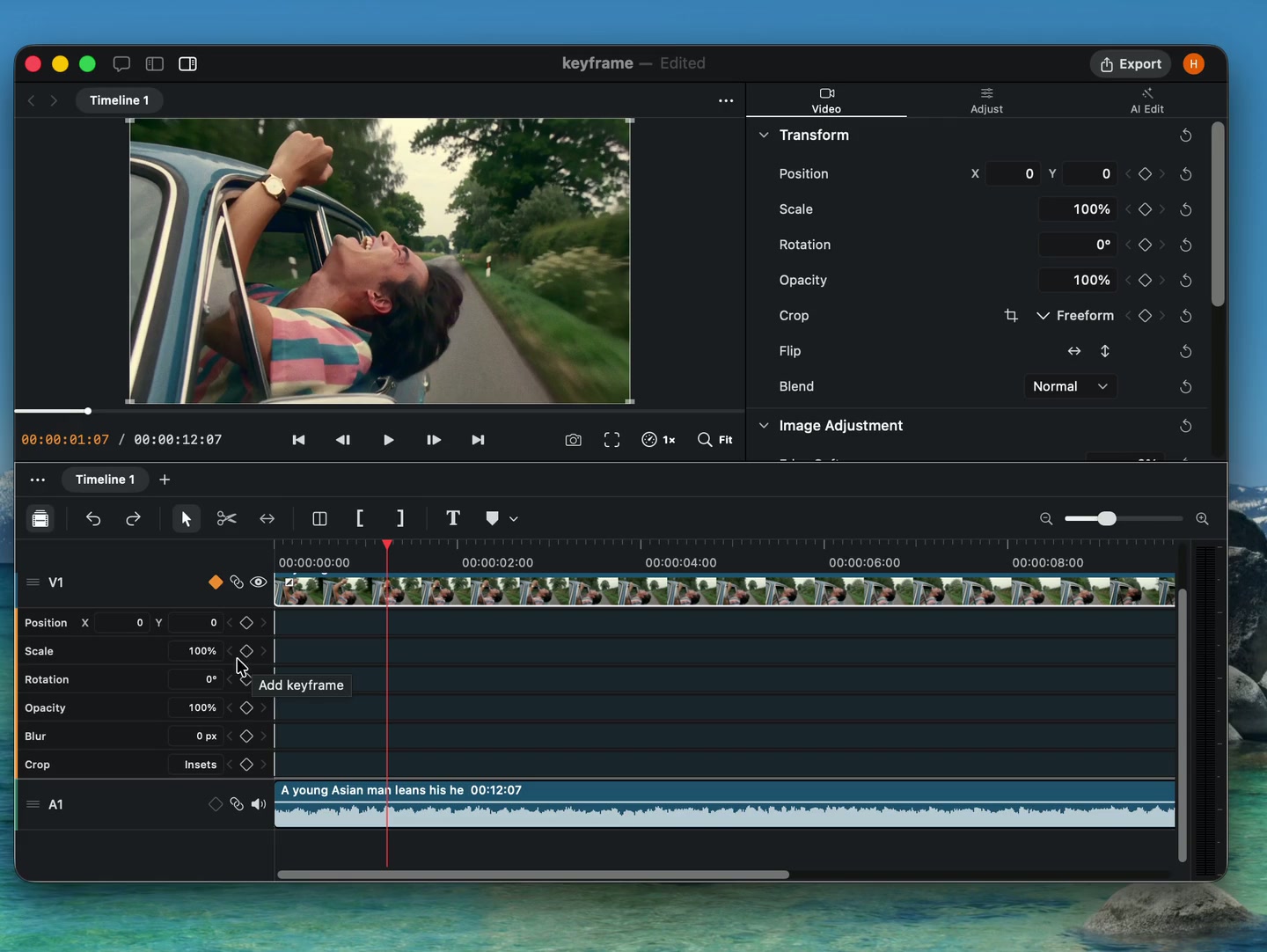
Keyframe lanes. Expand tracks to edit keyframes directly below clips on the timeline.
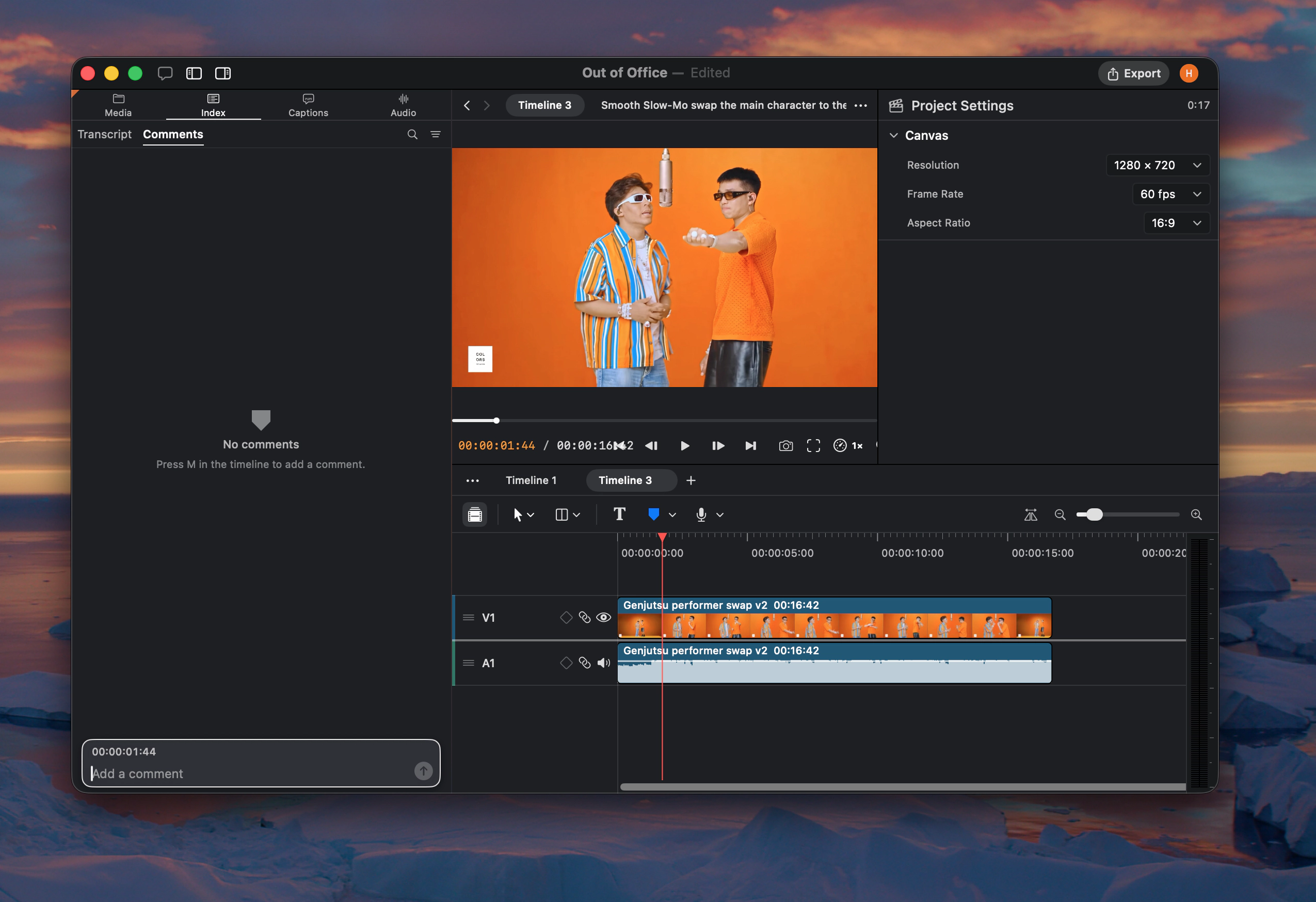
Timeline markers. Leave comments for Agent at the playhead or across a selected range.
More keyframe controls. Animate blur on visual clips and text size on text clips.
Reusable skills and new text controls
New
Reusable skills. Ask Agent to save a finished editing workflow as a skill for future projects.
New text controls. Add inverted fills, blur, and custom colors to stencil text.
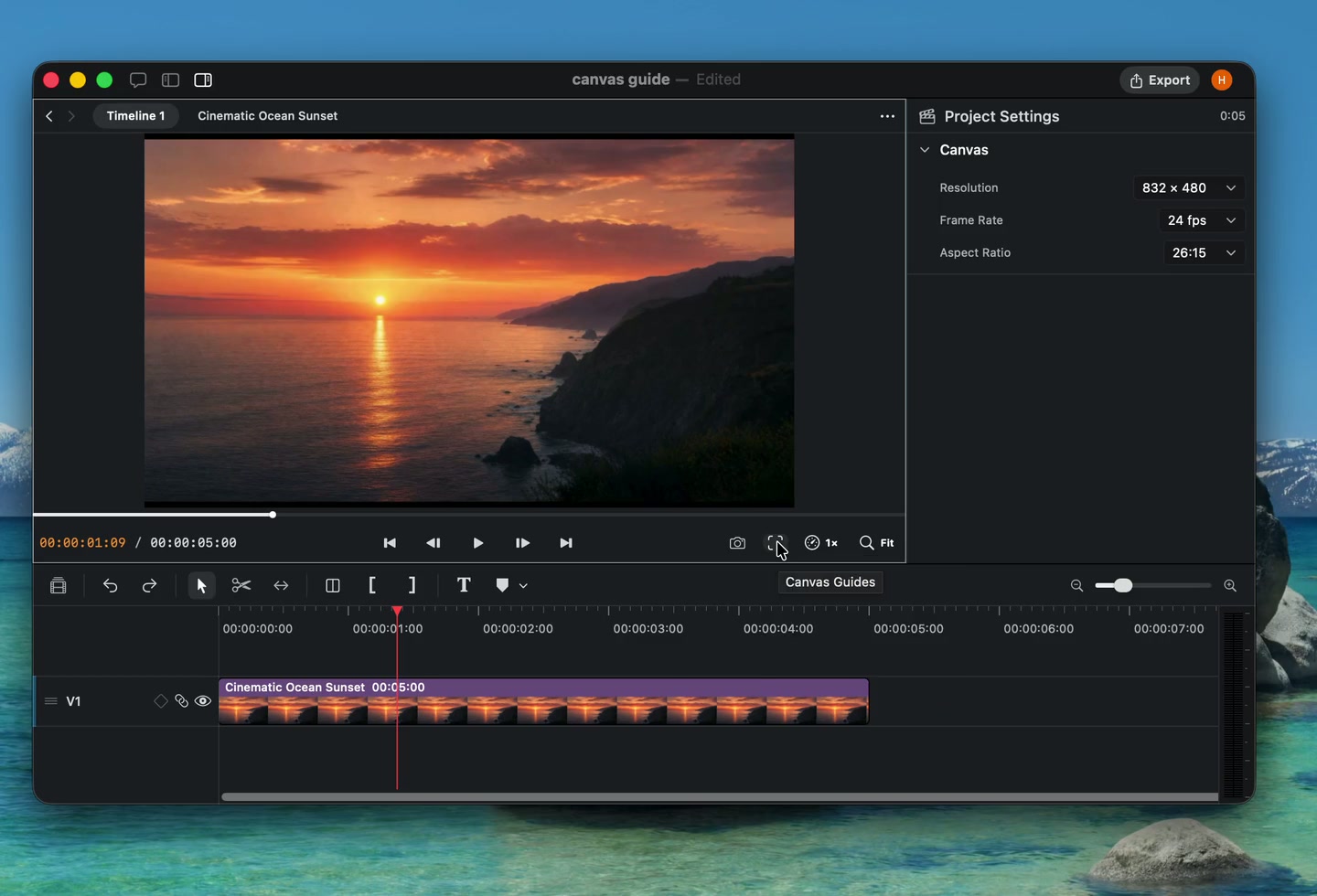
Canvas guides. Overlay grids, safe zones, and format references while editing.
Caption import and track organization
New
Caption import. Import SRT and WebVTT subtitle files as caption clips.
Editable track names. Name tracks yourself or let Agent label them while organizing a project.
Copy settings. Copy and paste clip settings from the timeline, or ask Agent to transfer them.
Text tilt. Add perspective tilt to text from the inspector.
Caption controls. Set character limits and preview caption styles directly over timeline footage.
Agent activity. See which clips Agent is working on directly in the timeline.
New video models and media swapping
New
FLUX.3 and MiniMax H3. Generate with two new video models. FLUX.3 also supports faster, lower-cost drafts.
Media swapping. Agent can replace media in existing timeline clips without rebuilding the edit.