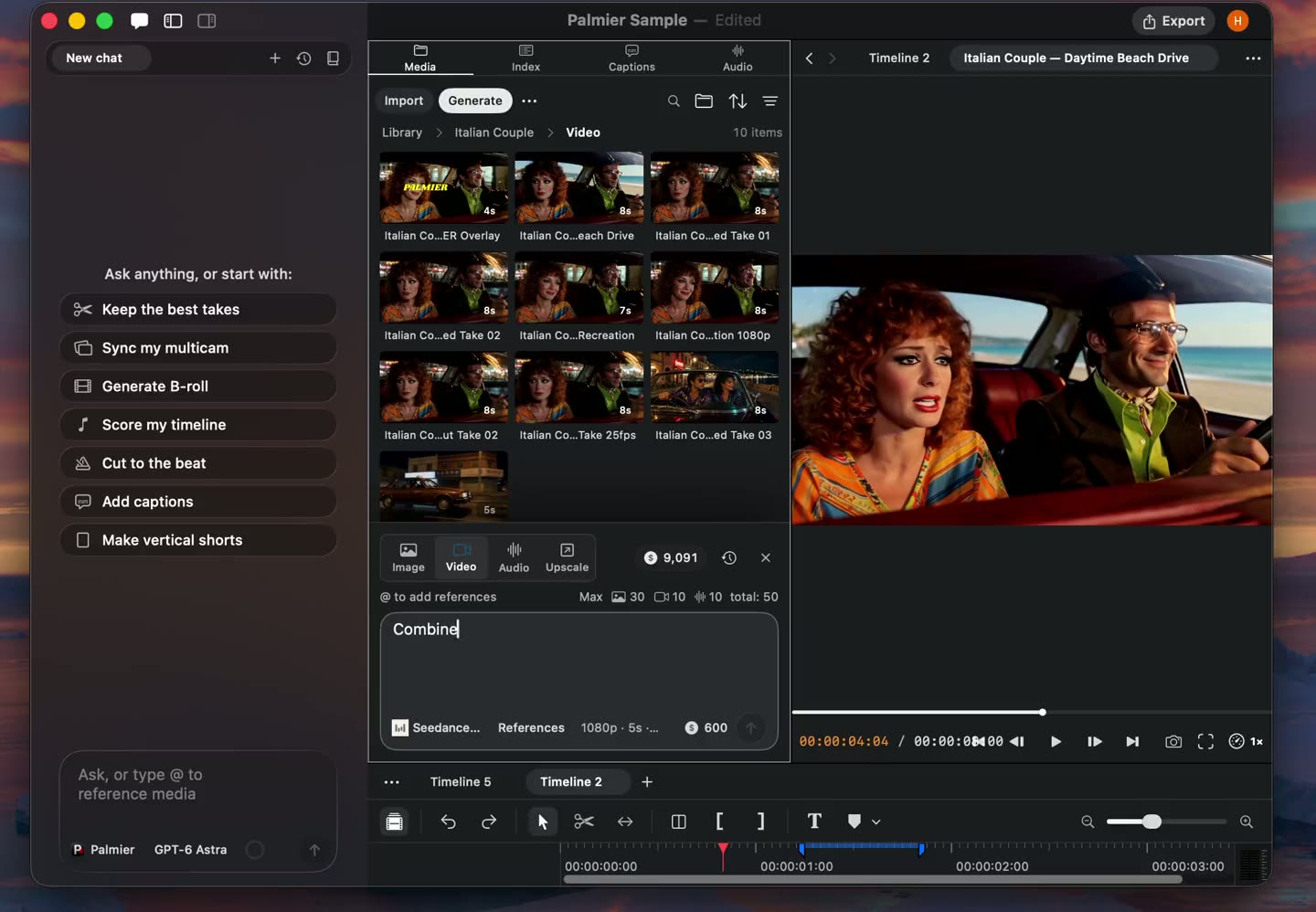
Seedance 2.5 is available in Palmier Pro.
Palmier Pro changelog
Magic Mask
New
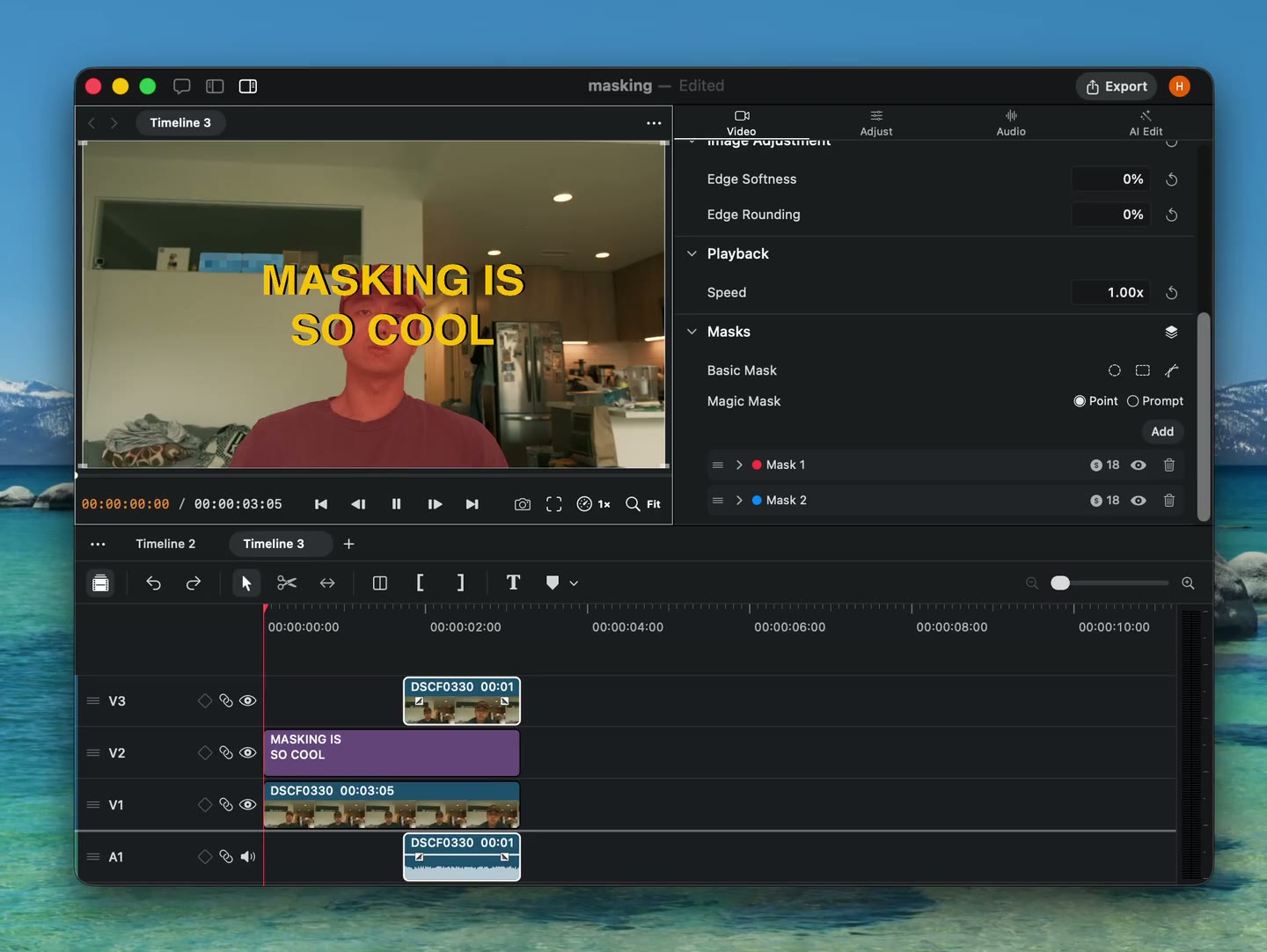
- Magic Mask. Ask Agent to identify an object and create a mask, or prompt one in the video inspector.
- Basic masks. Add ellipse, rectangle, and linear masks.
- Per-mask effects. Apply effects to masked areas.
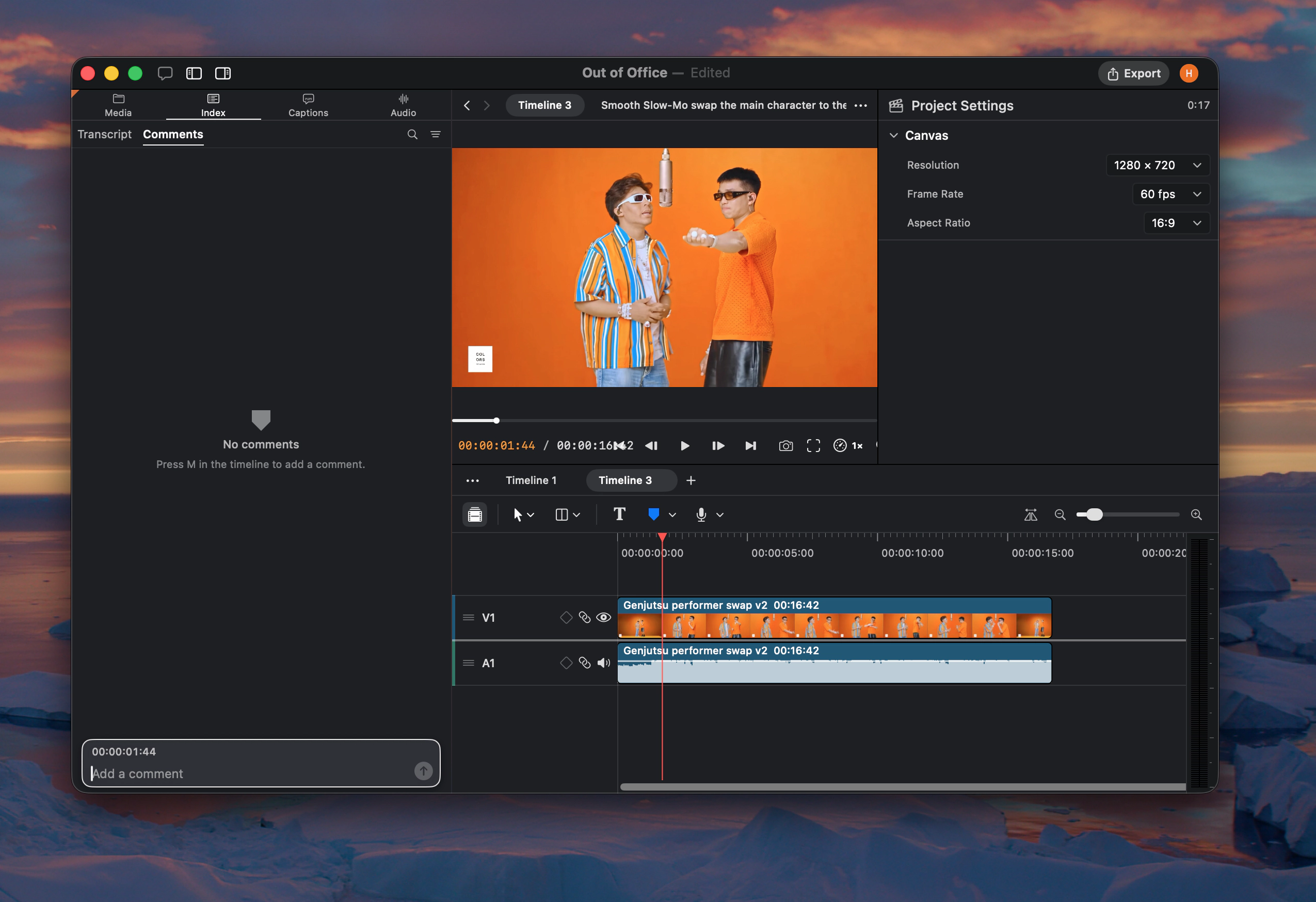
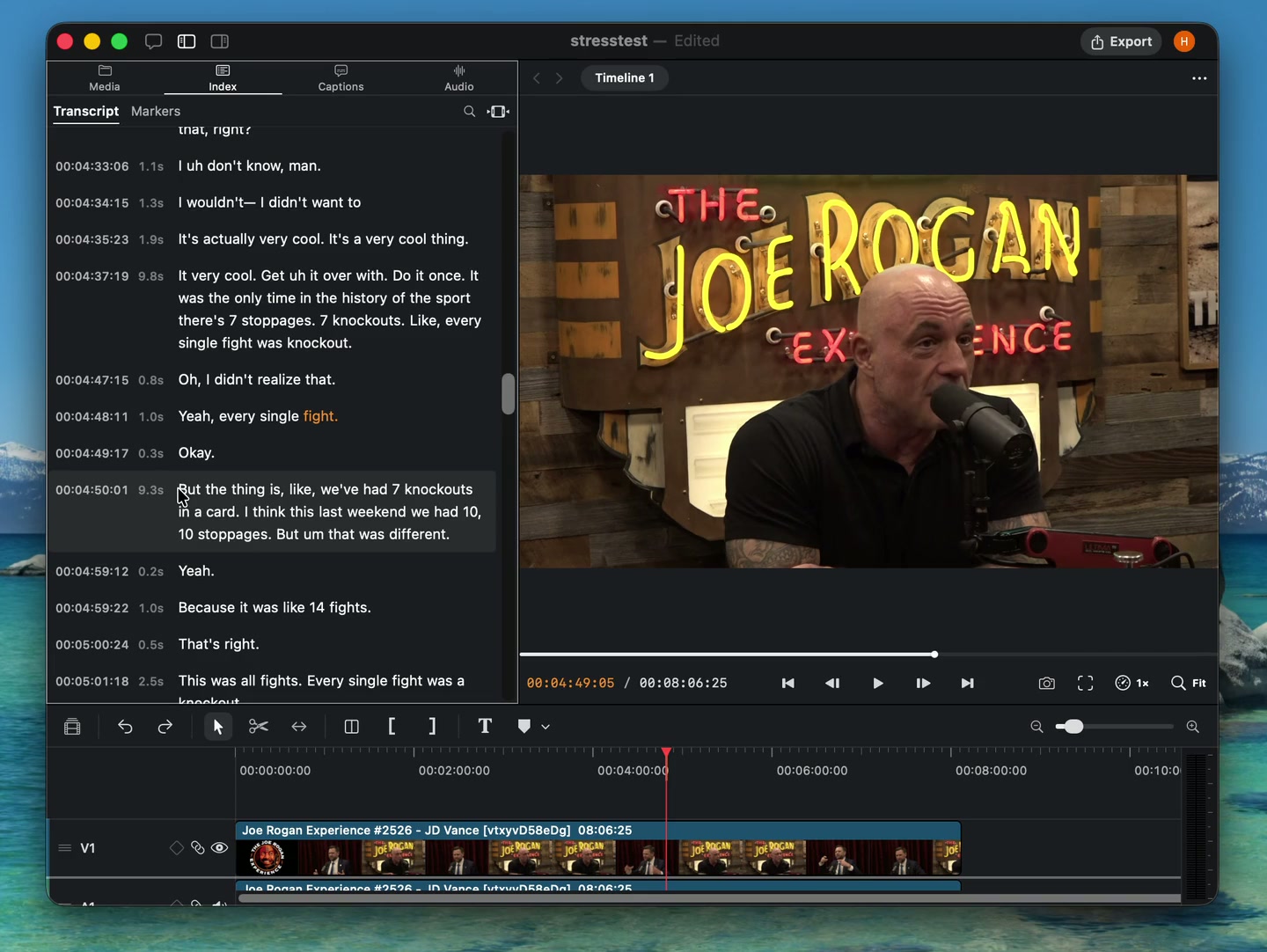
- Transcript markers. Select words in the Index transcript and press M to add a marker to that range.
- Layout motion. Agent can apply preset layouts with built-in motion.
Timeline Index
New
- Timeline Index. Search timeline transcripts, manage markers, and hand work off to Agent from the media panel.
- Ripple markers. Keep markers attached to their content as ripple edits move clips.
- On-demand Smart Search. The Smart Search model now installs when Agent needs it.
- More languages. Added German, Dutch, Polish, Swedish, Czech, Danish, Norwegian, Finnish, Ukrainian, Indonesian, Thai, Hebrew, and European Portuguese.
Keyframe lanes and timeline markers
New
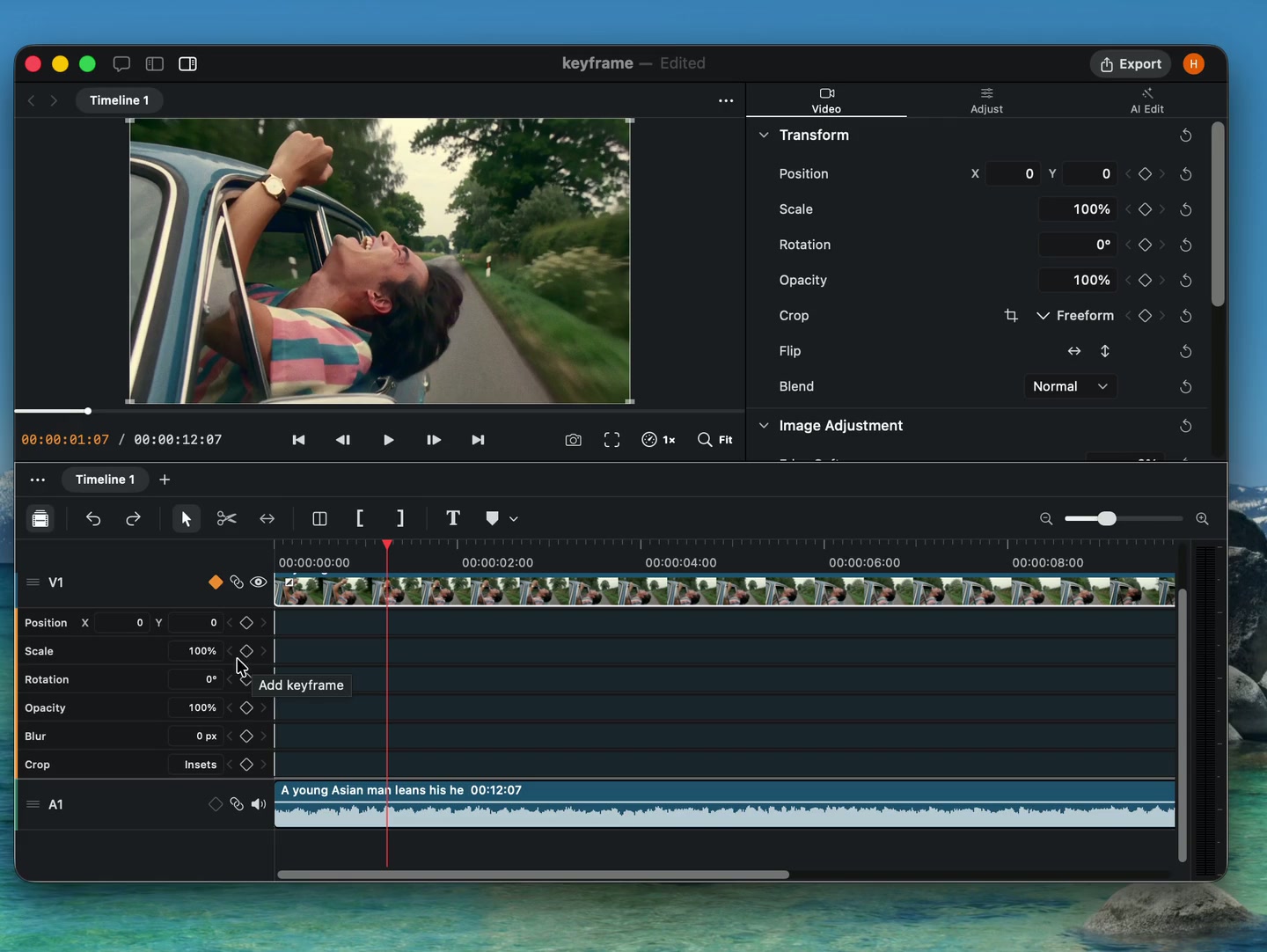
- Keyframe lanes. Expand tracks to edit keyframes directly below clips on the timeline.
- Timeline markers. Leave comments for Agent at the playhead or across a selected range.
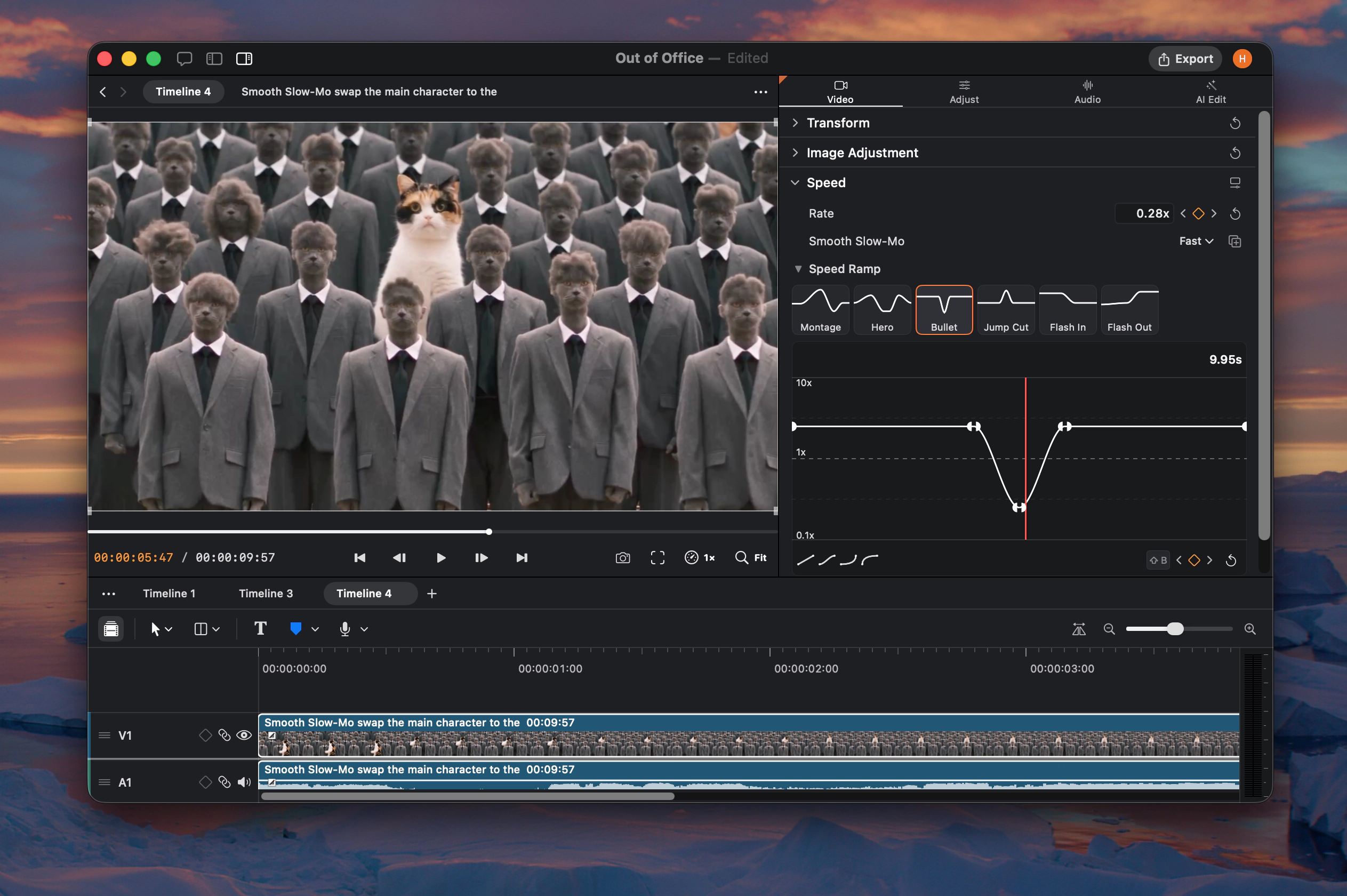
- More keyframe controls. Animate blur on visual clips and text size on text clips.
Reusable skills and new text controls
New
- Reusable skills. Ask Agent to save a finished editing workflow as a skill for future projects.
- New text controls. Add inverted fills, blur, and custom colors to stencil text.
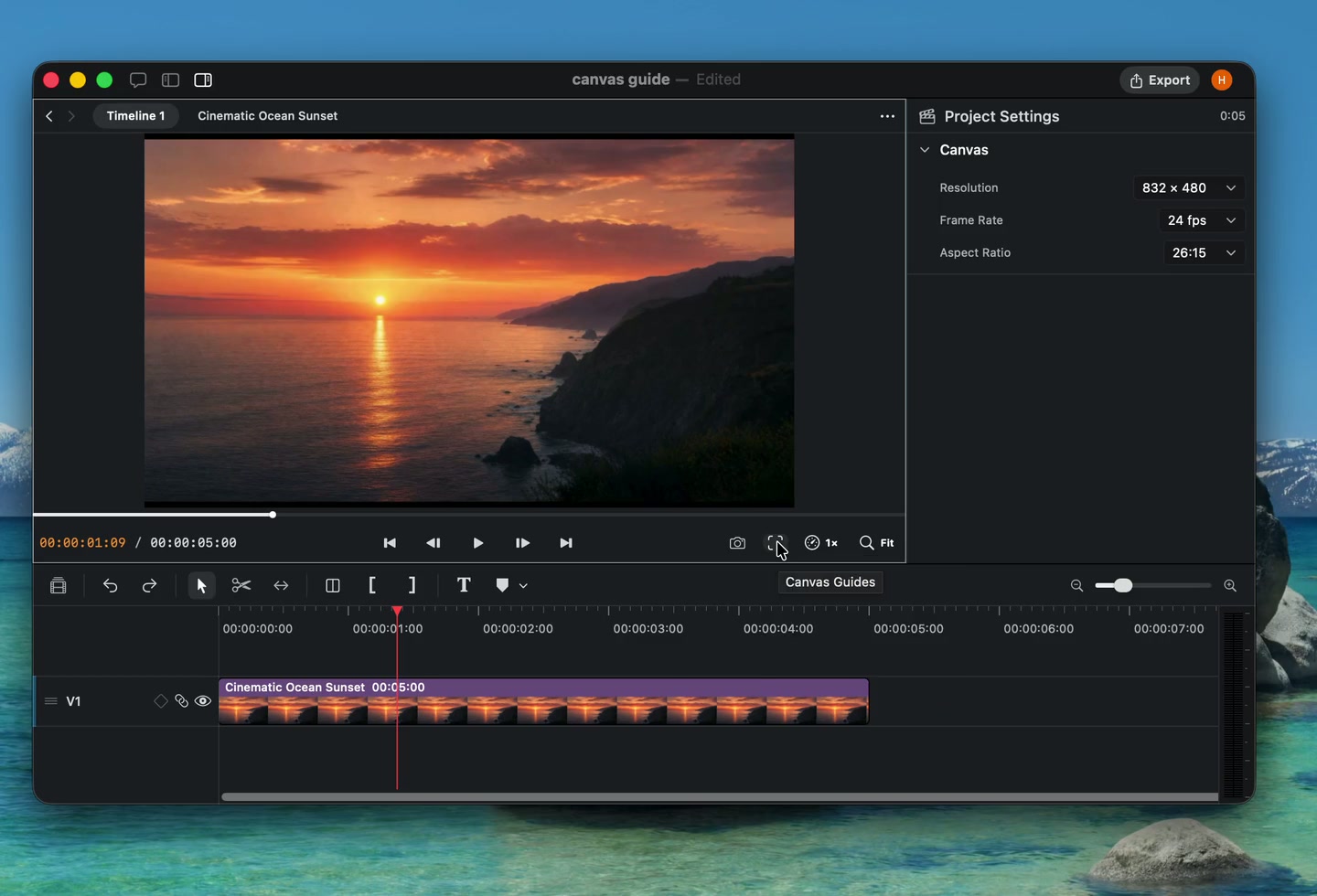
- Canvas guides. Overlay grids, safe zones, and format references while editing.
Caption import and track organization
New
- Caption import. Import SRT and WebVTT subtitle files as caption clips.
- Editable track names. Name tracks yourself or let Agent label them while organizing a project.
- Copy settings. Copy and paste clip settings from the timeline, or ask Agent to transfer them.
- Text tilt. Add perspective tilt to text from the inspector.
- Caption controls. Set character limits and preview caption styles directly over timeline footage.
- Agent activity. See which clips Agent is working on directly in the timeline.
New video models and media swapping
New
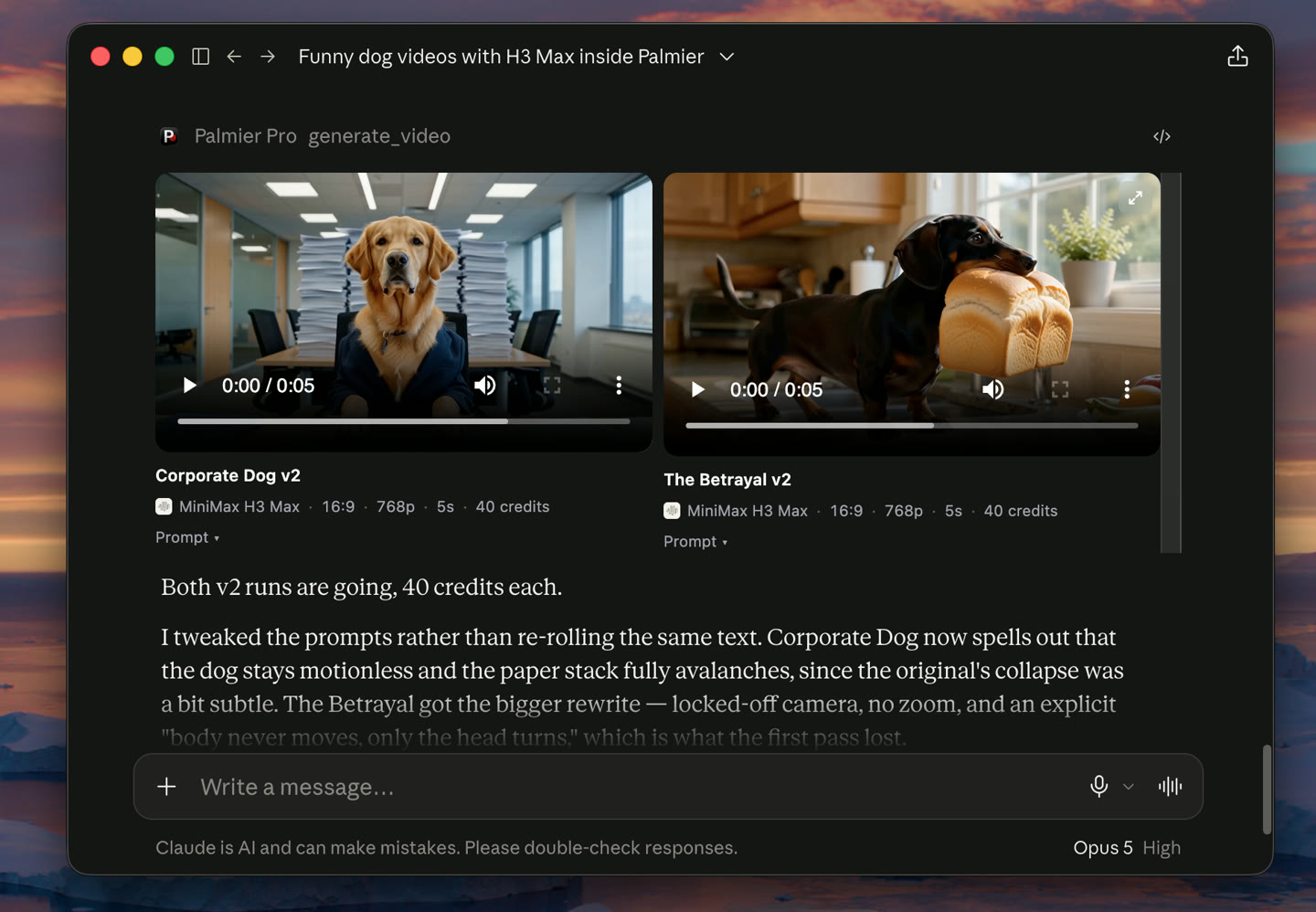
- FLUX.3 and MiniMax H3. Generate with two new video models. FLUX.3 also supports faster, lower-cost drafts.
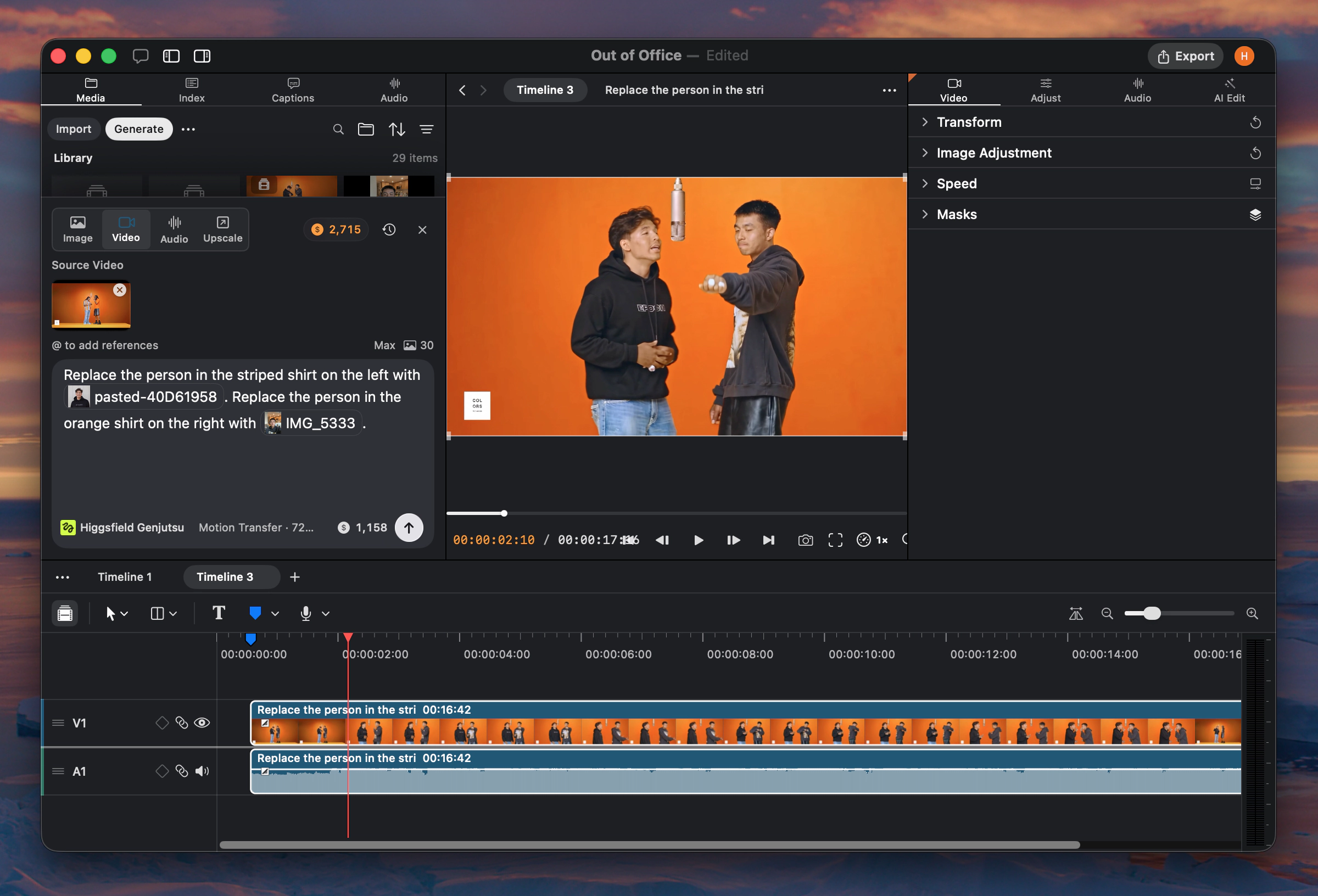
- Media swapping. Agent can replace media in existing timeline clips without rebuilding the edit.
GPT 5.6, Localization, Appearance
New
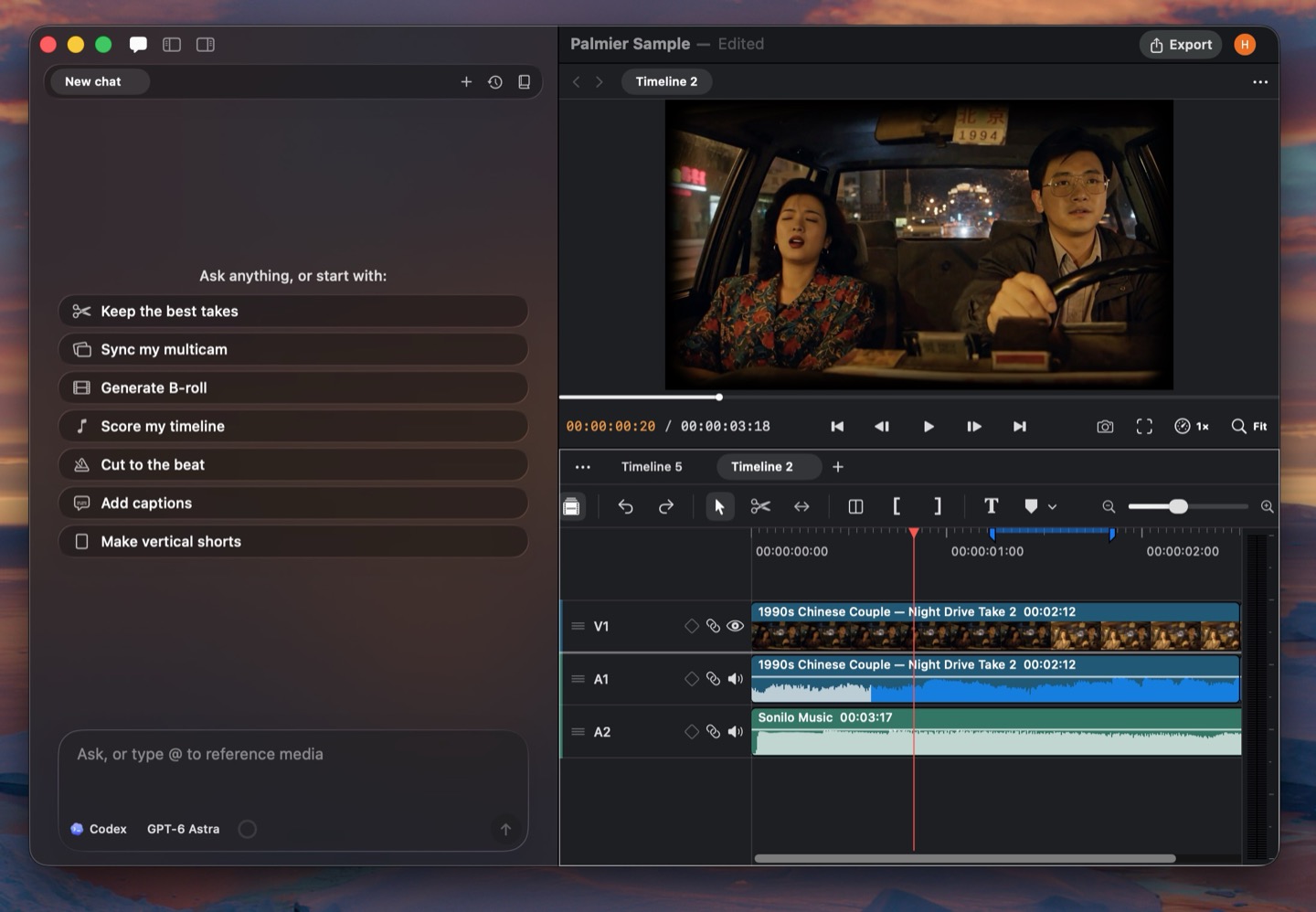
- OpenAI chat. Use GPT-5.6 Sol, Terra, and Luna in side chat, alongside Claude Opus 5 and Fable 5.
- Localization. Use Palmier Pro in 15 additional languages.
- Appearance settings. Choose a light, dark, or system theme, switch workspace layouts, and customize timeline clip colors.
- Agent thinking. Follow Agent's summarized reasoning while it works.
- Clip linking. Agent can link and unlink clips to build J-cuts and L-cuts.
Improvements and fixes
- Fixed a timeline snapshot crash.
- Improved audio scrubbing stability.
Silence controls, reframing, and custom formats
New
- Silence removal controls. Tune pause length and speech padding before removing silence.
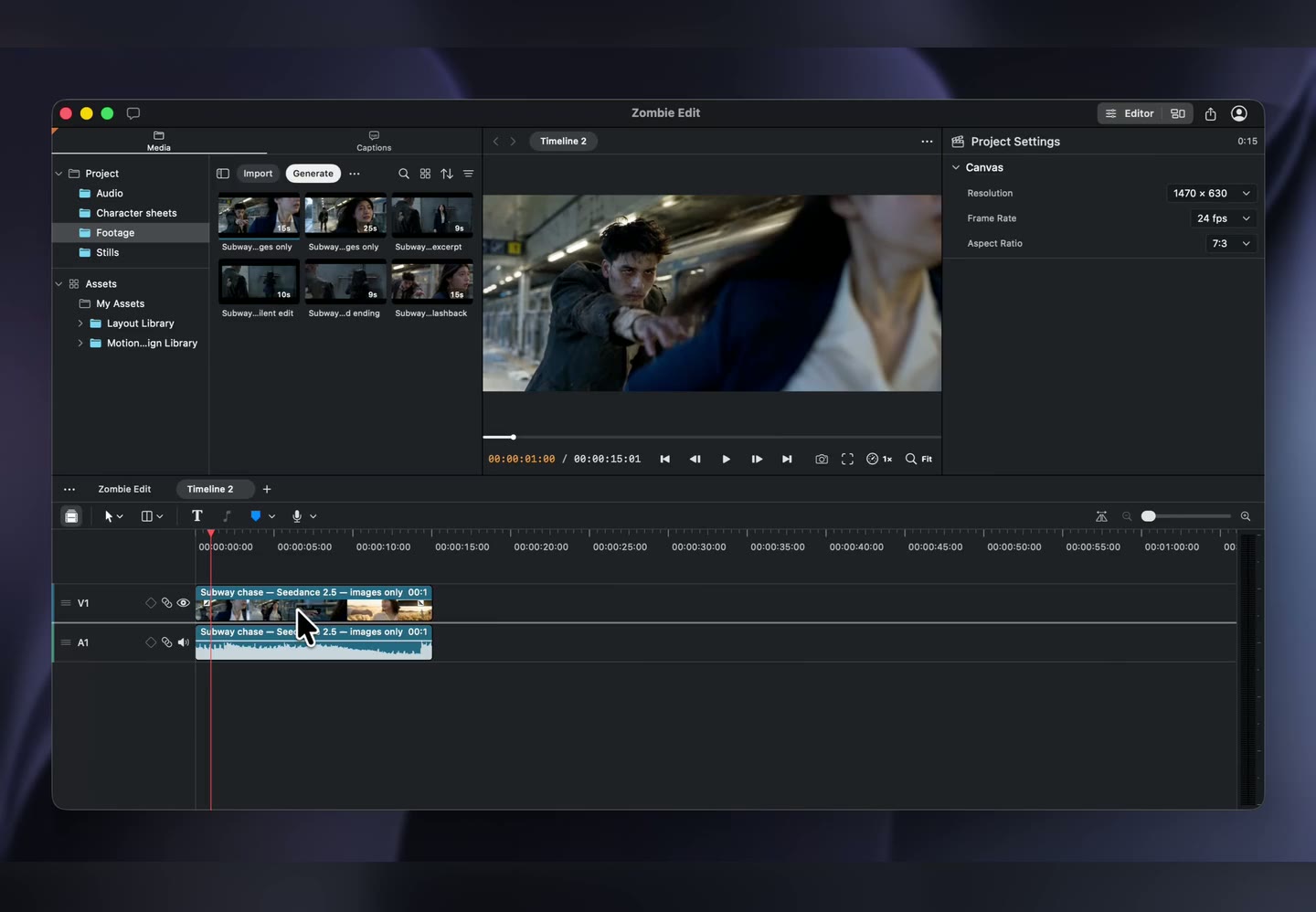
- Custom aspect ratios. Set project canvases to custom dimensions and formats.
- AI video reframing. Reframe existing video for a new composition with an AI model.
- Promptless lip sync. Create lip sync generations directly from source media.
- Model provider logos. Identify model providers more quickly in generation menus.
Improvements and fixes
- Show refunds and failed generations in project activity.
- Improved bulk clip property changes and project saving.
Audio generation and more layouts
New
- Seed Audio. Generate speech and audio with Seed Audio.
- Sonilo. Generate audio with Sonilo from the generation panel.
- More layouts. Build additional multi-clip compositions from the editor or with Agent.
- Invert colors. Apply an invert effect to visual clips.
- More upscaling options. Choose from additional models and settings when upscaling media.
Improvements and fixes
- Improved media browser selection and actions.
- Fixed multicam ripple trim synchronization.
Text controls and project search
New
- Text rotation and scaling. Rotate text clips and scale their width and height independently.
- Edge controls. Adjust edge roundness and softness on visual clips.
- Playback speed. Change preview playback speed from the viewer.
- Project search. Search projects and remove several projects at once.
- Clip fades for Agent. Agent can now read and adjust clip fades.
Improvements and fixes
- Improved responsiveness for large caption workflows.
- Improved text resizing and typewriter animations.
Slip Edit and timeline gap actions
New
- Slip Edit. Change the source range inside a clip without moving it on the timeline.
- Timeline gap actions. Create an AI transition or ripple-delete a gap from its context menu.
- Better audio synchronization. Align related clips more accurately from their audio.
Improvements and fixes
- Improved source timecode handling for Sony RTMD and BWF media.
- Fixed a beat detection hang.
Drop to timeline and text stencil
New
- Drop to timeline. Drag files from Finder directly onto the timeline.
- Text stencil. Use text as a matte that reveals the footage underneath.
- One-click preview selection. Select the clip under the pointer directly from the viewer.
- Capture frame. Agent can save a timeline frame as a reusable media asset.
Improvements and fixes
- Improved MCP reconnection after restarting Palmier Pro.
- Reduced audio meter rendering work.
Redesigned editor panels
New
- Redesigned editor panels. A cleaner layout gives the canvas, media, timeline, and inspector more room.
- Refreshed settings and help. Updated navigation and styling across supporting windows.
- Text line styles. Style individual lines inside a text clip.
- Cancellable exports. Stop an export from the queue before it finishes.
- CAF audio support. Import Core Audio Format files into a project.
Improvements and fixes
- Improved undo reliability for Agent edits.
- Improved local file imports, media restoration, and audio scrubbing.
Audio workflows and timeline meters
New
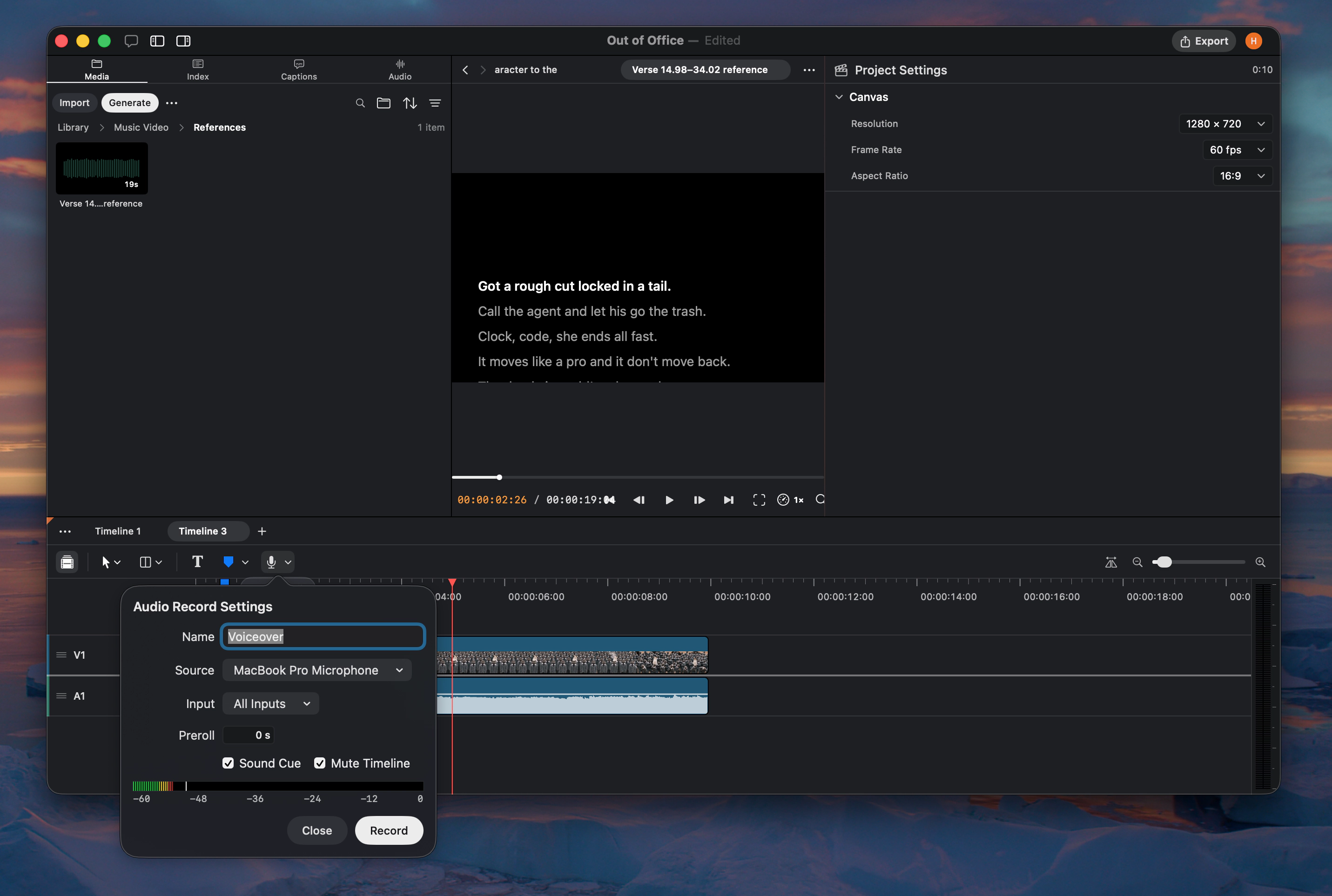
- Voice isolation and dubbing. Use ElevenLabs to isolate voices or dub spoken audio.
- Audio scrubbing. Hear audio while moving the playhead across the timeline.
- Timeline audio meters. Monitor output levels while previewing an edit.
- Chroma key eyedropper. Select a key color directly from the canvas.
- Claude Sonnet 5. Hosted Agent chat now uses Claude Sonnet 5.
Improvements and fixes
- Added support for 65-point LUT files.
- Improved export and timeline performance.
Multicam v2 and HDR export
New
- Multicam v2. Build and edit synchronized multicam groups with a redesigned workflow.
- HDR export. Export 10-bit HEVC Main10 video in BT.2020 with HLG.
Improvements and fixes
- Improved image aspect ratio labels.
- Improved transcription reliability across system locales.
Speech analysis, beats, and sync
New
- On-device speech analysis. Detect speech, pauses, and speakers across clips.
- Silence removal. Remove pauses from the timeline yourself or with Agent.
- Beat detection. Detect beats and snap edits to waveform markers.
- Better clip sync. Synchronize clips by timecode, audio, or an automatic combination.
Improvements and fixes
- Improved clip colors, fade handles, trim cursors, and duration labels.
- Improved timeline performance and Agent response speed.
- Fixed autosave, offline model catalog, and source color handling.
Multiple timelines and audio denoise
New
- Multiple timelines. Create and switch between several timelines inside one project.
- Audio enhance and denoise. Clean up noisy audio without leaving Palmier Pro.
Cloud transcription, layouts, and blend modes
New
- Cloud transcription. Transcribe spoken audio with a hosted provider.
- Predefined video layouts. Arrange several clips into reusable compositions.
- Text animations. Add animated entrances and treatments to text clips.
- Per-clip blend modes. Control how visual clips blend with layers below them.
- Solid-color mattes. Create color mattes from the toolbar or with Agent.
Improvements and fixes
- Added project navigation tools for MCP clients.
- Added free generation models in Agent chat.
- Improved FCPXML relinking, generation recovery, and import feedback.
Ripple trim and track controls
New
- Ripple trim. Hold Shift while trimming a clip to close or open space on the timeline.
- Reorder tracks. Drag track headers to change their stacking order.
- Select forward. Select every clip after a chosen point on the timeline.
- Skills settings. Manage Agent skills from Settings.
Improvements and fixes
- Improved ripple insert previews.
- Fixed FCPXML output and window sizing.
FCPXML 1.14 and canvas selection
New
- FCPXML 1.14. Export timelines using the latest supported Final Cut Pro XML format.
- Canvas selection. Double-click a clip in the viewer to select it on the timeline.
- Word-timed captions. Caption phrases now follow word timestamps more accurately.
- Batch clip splitting. Agent can split several clips in a single edit.
- Transcript language. Choose a language when Agent transcribes or inspects media.
Improvements and fixes
- Improved FCPXML compatibility from versions 1.10 through 1.14.
- Improved project opening, Google sign-in, and editor responsiveness.
Agent export and transcript cuts
New
- Project settings in the inspector. Change timeline settings without leaving the editor.
- Agent export. Ask Agent to export a finished timeline.
- Transcript cuts. Ask Agent to remove specific words from spoken footage.
- Clickable timeline zoom. Use the timeline zoom buttons in addition to the slider.
- In-app feedback. Agent can send product feedback from the current workflow.
Improvements and fixes
- Improved waveform accuracy and surfaced XML export failures.
- Improved timeline performance, project saving, and keyframe reliability.
Color, effects, and multi-track sync
New
- Color and effects. Grade footage and apply effects with a new Metal rendering pipeline.
- Multi-track audio sync. Synchronize several audio tracks to a shared reference.
- 2K export. Export at 2K or match the timeline resolution.
- More audio formats. Import FLAC and AIFF-C audio files.
Improvements and fixes
- Remembered editor panel sizes between launches.
- Improved audio sync controls and clip transform reliability.
Transcript editing and folder import
New
- Transcript-based cutting. Edit spoken footage by removing words and ranges from its transcript.
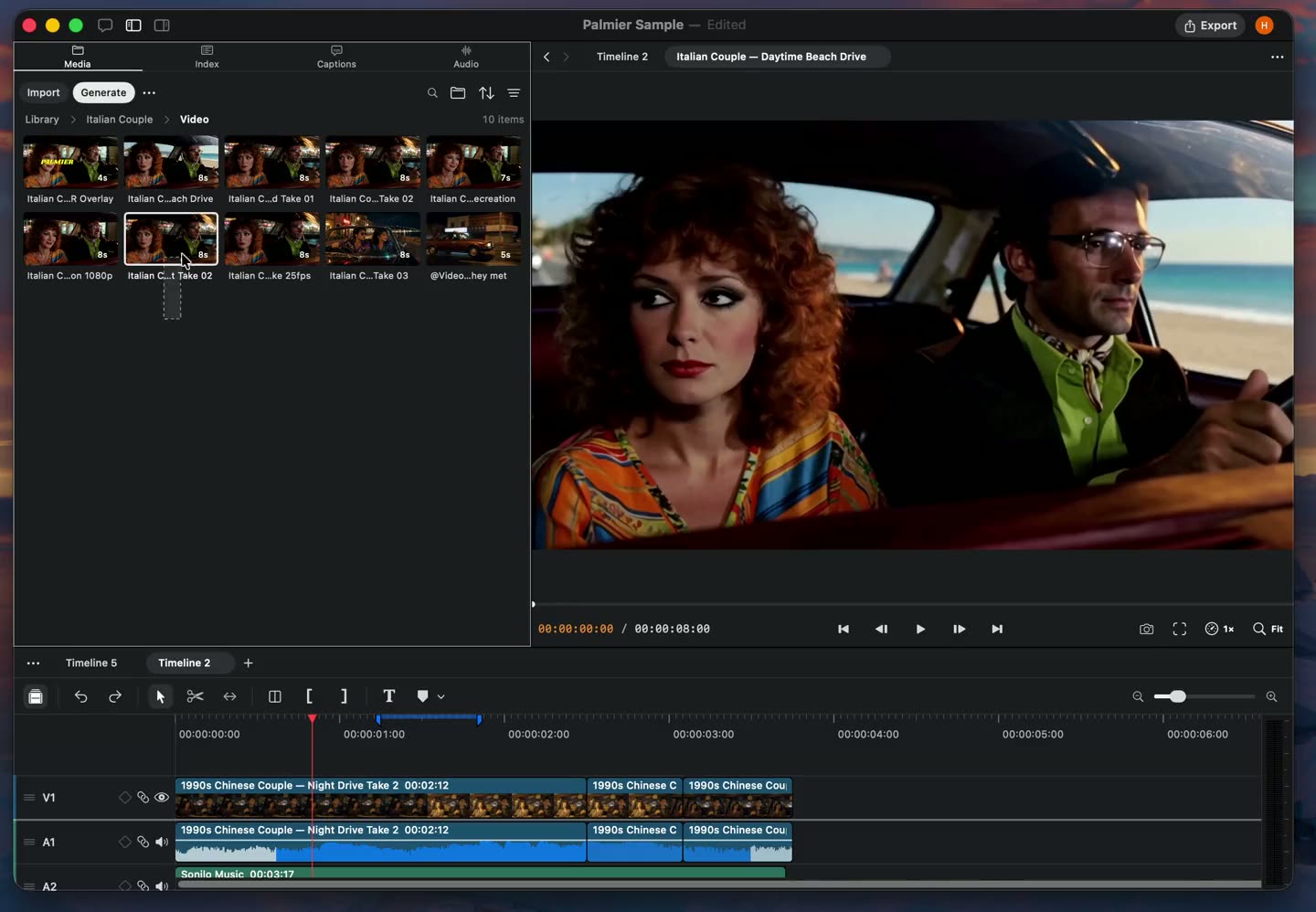
- Folder import. Import an entire folder while preserving its organization.
- Ripple insert. Insert media while shifting later clips and linked audio forward.
- Trimmed clip placement. Agent can place a selected source range directly on the timeline.
- Claude Opus 4.8. Use Claude Opus 4.8 in Agent chat.
Improvements and fixes
- Added timeline-wide ripple deletion and speed-aware clip durations.
- Improved project opening, folder import, playback, and export reliability.
Media relinking and offline status
New
- Relink media. Reconnect a project to source files that have moved.
- Media Offline status. Unavailable clips now show a clear offline state instead of black frames.
- WebP support. Import and render WebP images throughout the editor.
Improvements and fixes
- Improved generation model selection, thumbnails, and Agent streaming.
- Fixed timeline dragging and text editing crashes.
Palmier Pro launches
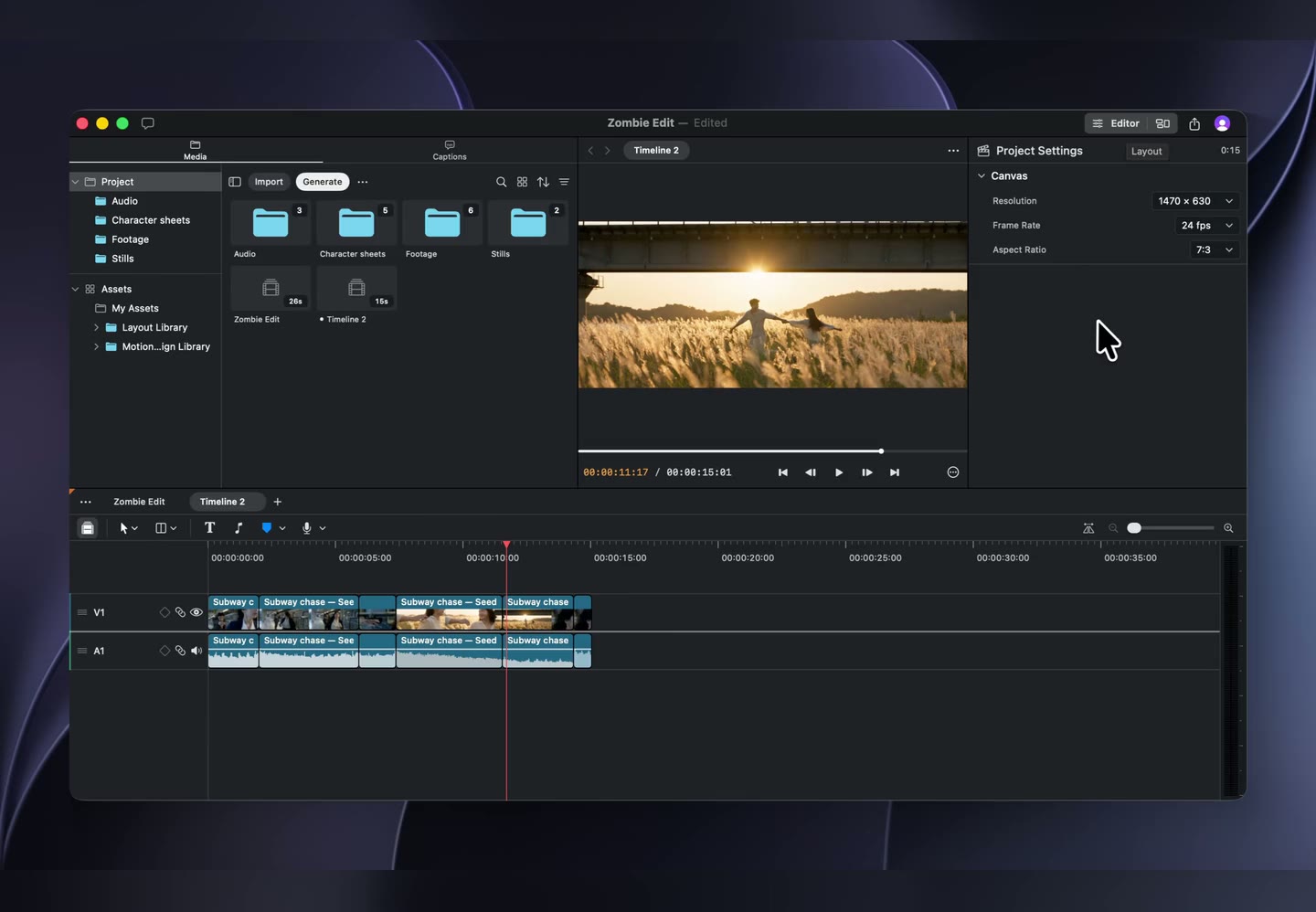
New
- Professional timeline editing. Edit linked video and audio with trims, splits, ripple edits, transforms, crop, speed, opacity, fades, and keyframes.
- Built-in AI generation. Generate images, video, audio, and music, work with multiple references, upscale media, and replace clips in place.
- Agent-native editing. Use Agent chat and MCP to edit timelines, generate media, organize footage, and inspect projects.
- Text, captions, and transcription. Create styled text, transcribe footage on device, and generate configurable captions.
- Media organization and search. Organize assets into folders, build variant stacks, swap media, and search footage by name or visual content.
- Professional export. Export rendered video, Premiere-compatible XML, or a self-contained Palmier project.
- Lottie motion graphics. Import, preview, and edit Lottie animations.
- Guided tutorial. Learn the core editing workflow inside the app.