Try GPT-6 Astra with Palmier Pro
Palmier Pro changelog
Multicam v2 and HDR export
New
- Multicam v2. Build and edit synchronized multicam groups with a redesigned workflow.
- HDR export. Export 10-bit HEVC Main10 video in BT.2020 with HLG.
Improvements and fixes
- Improved image aspect ratio labels.
- Improved transcription reliability across system locales.
Speech analysis, beats, and sync
New
- On-device speech analysis. Detect speech, pauses, and speakers across clips.
- Silence removal. Remove pauses from the timeline yourself or with Agent.
- Beat detection. Detect beats and snap edits to waveform markers.
- Better clip sync. Synchronize clips by timecode, audio, or an automatic combination.
Improvements and fixes
- Improved clip colors, fade handles, trim cursors, and duration labels.
- Improved timeline performance and Agent response speed.
- Fixed autosave, offline model catalog, and source color handling.
Multiple timelines and audio denoise
New
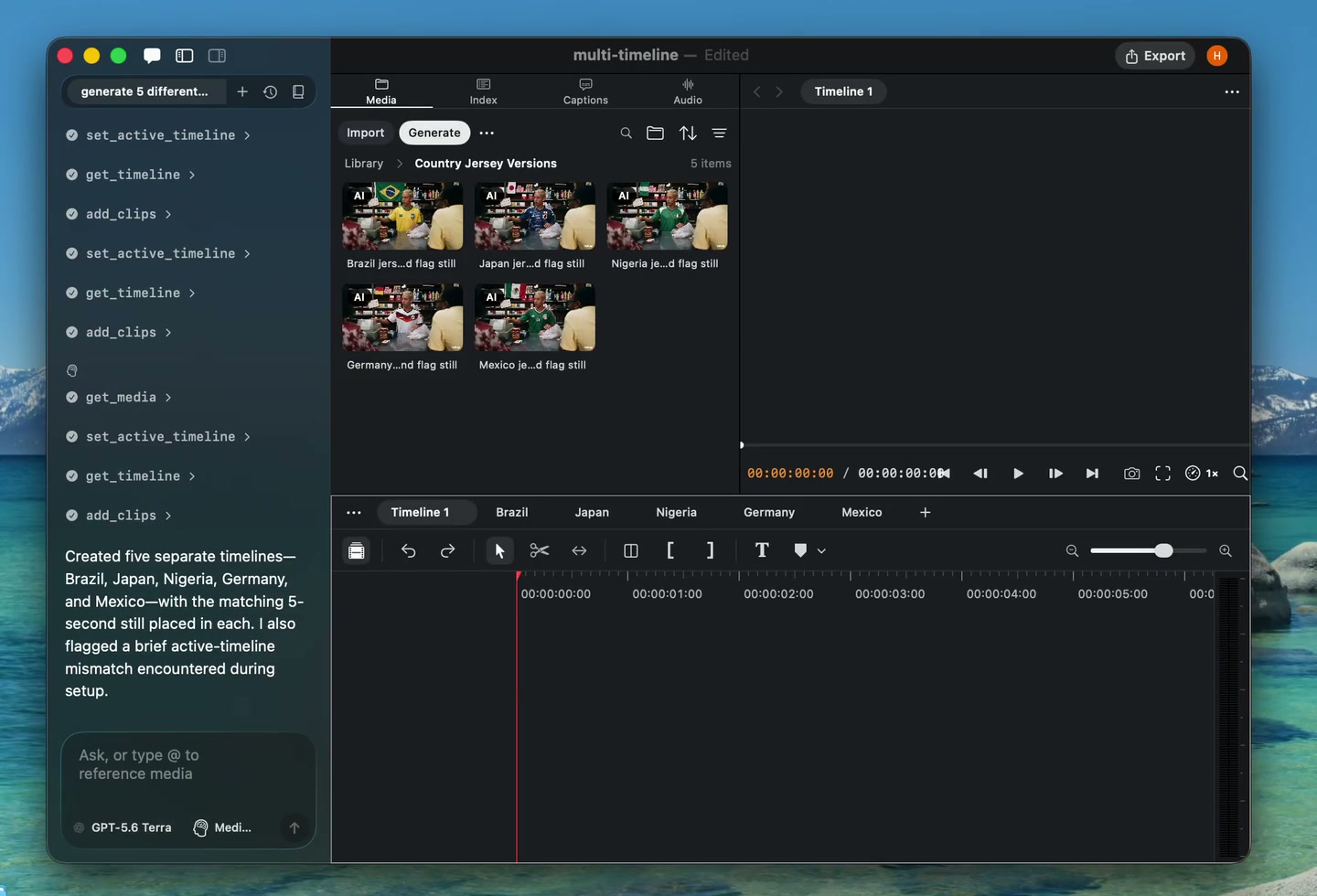
- Multiple timelines. Create and switch between several timelines inside one project.
- Audio enhance and denoise. Clean up noisy audio without leaving Palmier Pro.
Cloud transcription, layouts, and blend modes
New
- Cloud transcription. Transcribe spoken audio with a hosted provider.
- Predefined video layouts. Arrange several clips into reusable compositions.
- Text animations. Add animated entrances and treatments to text clips.
- Per-clip blend modes. Control how visual clips blend with layers below them.
- Solid-color mattes. Create color mattes from the toolbar or with Agent.
Improvements and fixes
- Added project navigation tools for MCP clients.
- Added free generation models in Agent chat.
- Improved FCPXML relinking, generation recovery, and import feedback.
Ripple trim and track controls
New
- Ripple trim. Hold Shift while trimming a clip to close or open space on the timeline.
- Reorder tracks. Drag track headers to change their stacking order.
- Select forward. Select every clip after a chosen point on the timeline.
- Skills settings. Manage Agent skills from Settings.
Improvements and fixes
- Improved ripple insert previews.
- Fixed FCPXML output and window sizing.
FCPXML 1.14 and canvas selection
New
- FCPXML 1.14. Export timelines using the latest supported Final Cut Pro XML format.
- Canvas selection. Double-click a clip in the viewer to select it on the timeline.
- Word-timed captions. Caption phrases now follow word timestamps more accurately.
- Batch clip splitting. Agent can split several clips in a single edit.
- Transcript language. Choose a language when Agent transcribes or inspects media.
Improvements and fixes
- Improved FCPXML compatibility from versions 1.10 through 1.14.
- Improved project opening, Google sign-in, and editor responsiveness.
Agent export and transcript cuts
New
- Project settings in the inspector. Change timeline settings without leaving the editor.
- Agent export. Ask Agent to export a finished timeline.
- Transcript cuts. Ask Agent to remove specific words from spoken footage.
- Clickable timeline zoom. Use the timeline zoom buttons in addition to the slider.
- In-app feedback. Agent can send product feedback from the current workflow.
Improvements and fixes
- Improved waveform accuracy and surfaced XML export failures.
- Improved timeline performance, project saving, and keyframe reliability.
Color, effects, and multi-track sync
New
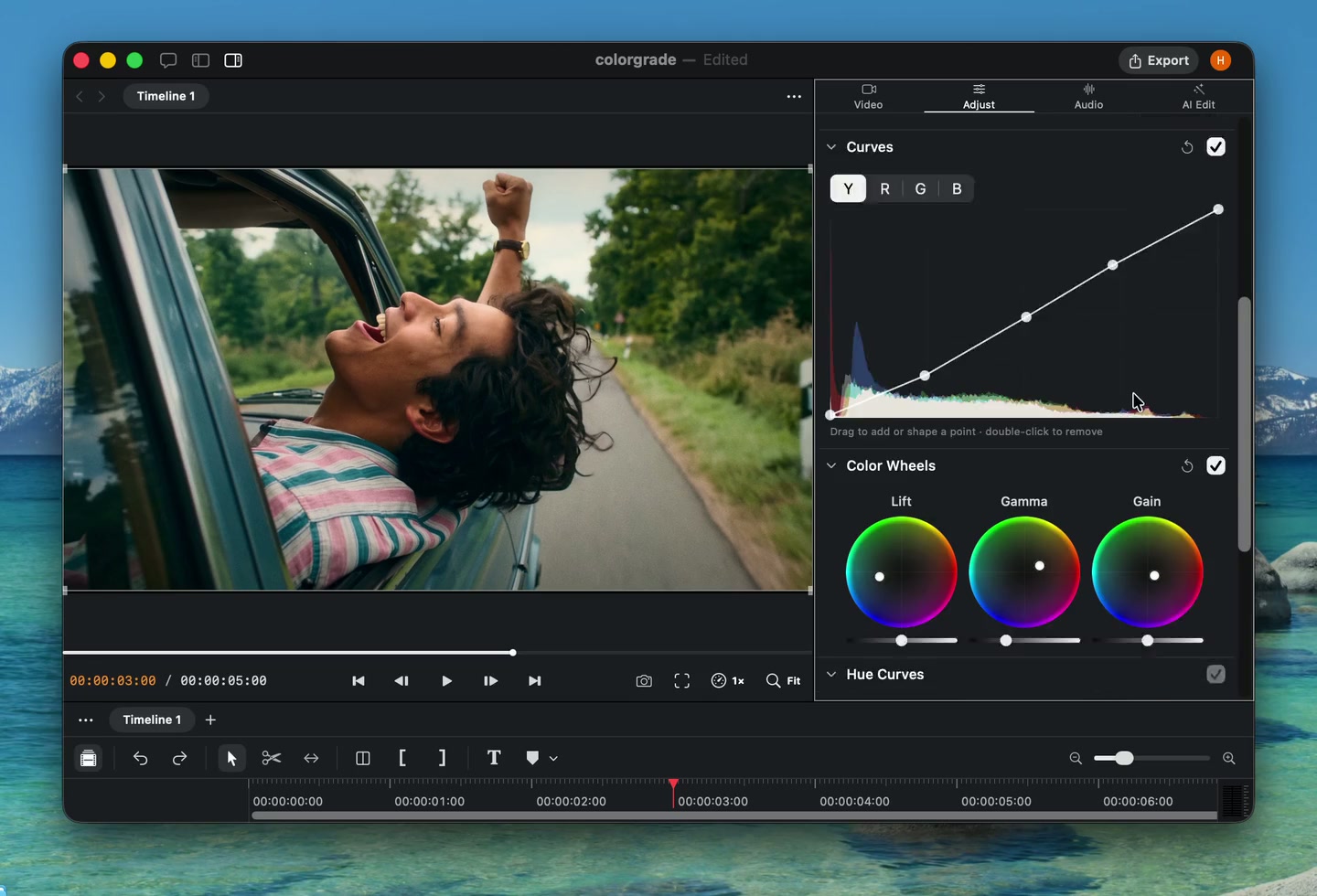
- Color and effects. Grade footage and apply effects with a new Metal rendering pipeline.
- Multi-track audio sync. Synchronize several audio tracks to a shared reference.
- 2K export. Export at 2K or match the timeline resolution.
- More audio formats. Import FLAC and AIFF-C audio files.
Improvements and fixes
- Remembered editor panel sizes between launches.
- Improved audio sync controls and clip transform reliability.