Try GPT-6 Astra with Palmier Pro
Palmier Pro changelog
Transcript editing and folder import
New
- Transcript-based cutting. Edit spoken footage by removing words and ranges from its transcript.
- Folder import. Import an entire folder while preserving its organization.
- Ripple insert. Insert media while shifting later clips and linked audio forward.
- Trimmed clip placement. Agent can place a selected source range directly on the timeline.
- Claude Opus 4.8. Use Claude Opus 4.8 in Agent chat.
Improvements and fixes
- Added timeline-wide ripple deletion and speed-aware clip durations.
- Improved project opening, folder import, playback, and export reliability.
Media relinking and offline status
New
- Relink media. Reconnect a project to source files that have moved.
- Media Offline status. Unavailable clips now show a clear offline state instead of black frames.
- WebP support. Import and render WebP images throughout the editor.
Improvements and fixes
- Improved generation model selection, thumbnails, and Agent streaming.
- Fixed timeline dragging and text editing crashes.
Palmier Pro launches
New
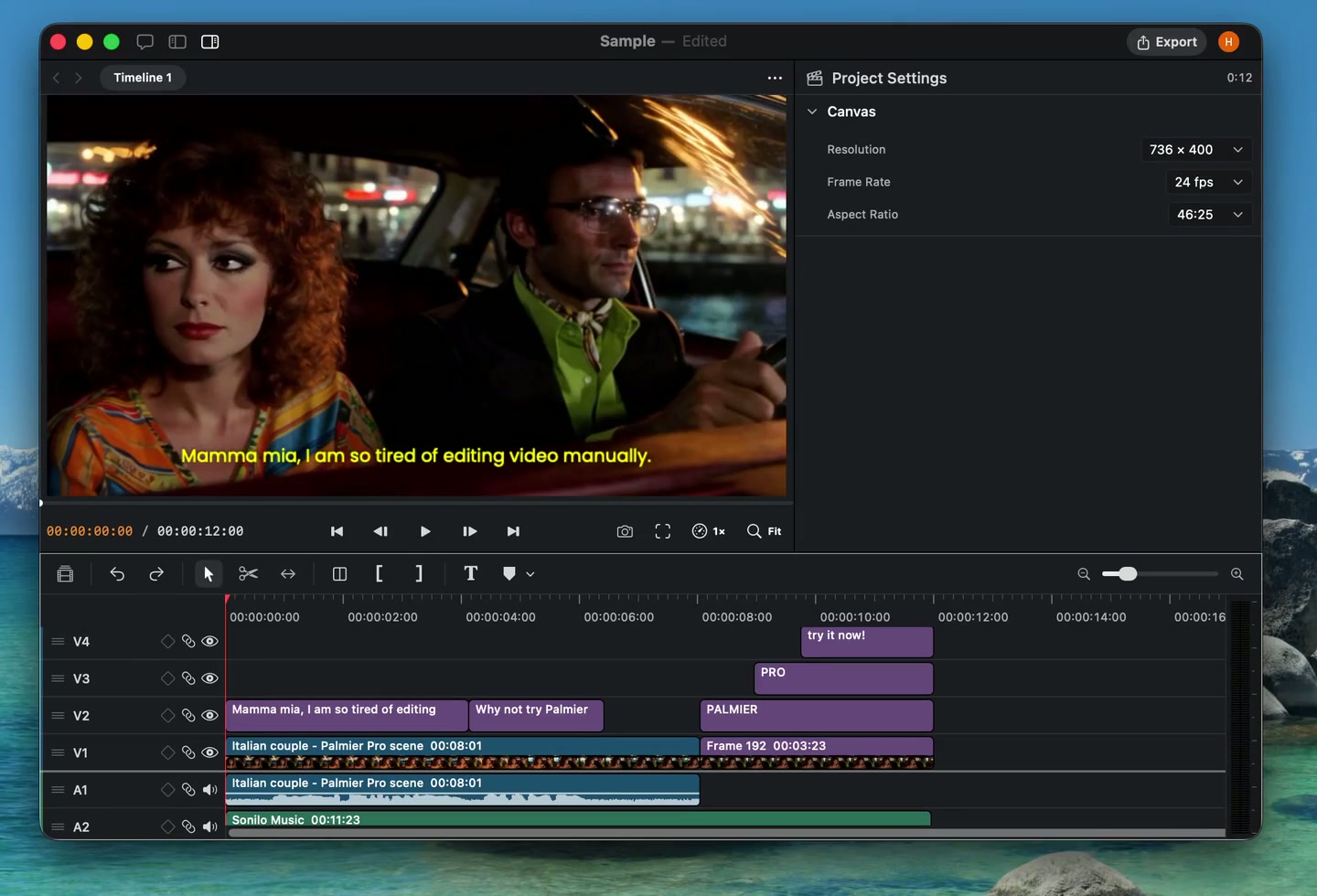
- Professional timeline editing. Edit linked video and audio with trims, splits, ripple edits, transforms, crop, speed, opacity, fades, and keyframes.
- Built-in AI generation. Generate images, video, audio, and music, work with multiple references, upscale media, and replace clips in place.
- Agent-native editing. Use Agent chat and MCP to edit timelines, generate media, organize footage, and inspect projects.
- Text, captions, and transcription. Create styled text, transcribe footage on device, and generate configurable captions.
- Media organization and search. Organize assets into folders, build variant stacks, swap media, and search footage by name or visual content.
- Professional export. Export rendered video, Premiere-compatible XML, or a self-contained Palmier project.
- Lottie motion graphics. Import, preview, and edit Lottie animations.
- Guided tutorial. Learn the core editing workflow inside the app.