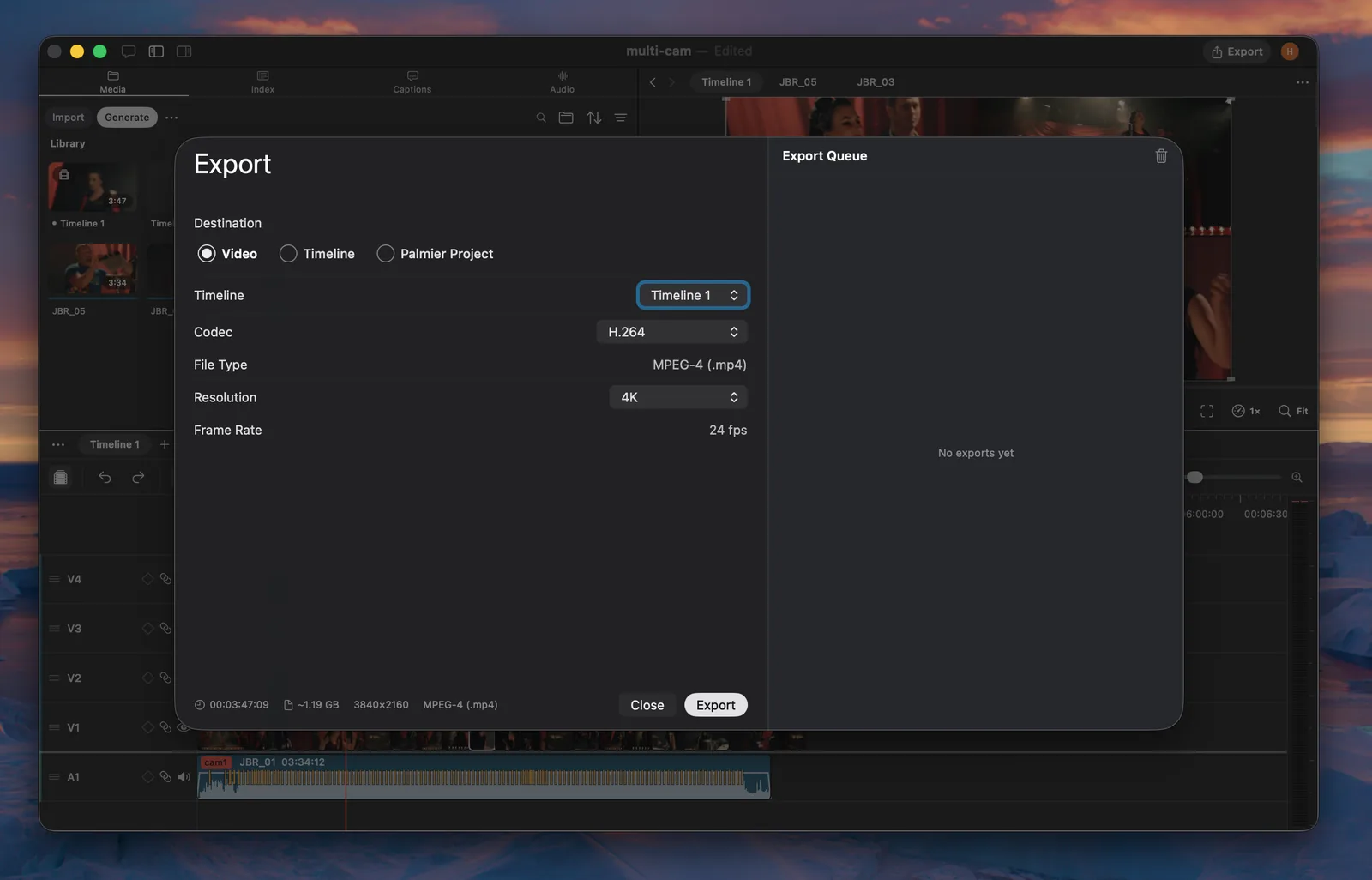
Export video
Export rendered video from the editor toolbar or with Agent. Choose one of these codecs:
- H.264: MPEG-4 file with broad playback and delivery support.
- H.265: MPEG-4 file with more efficient compression.
- ProRes: QuickTime file for a high-quality editing intermediate.
- HEVC 10-bit HDR: QuickTime file that preserves 10-bit HDR in BT.2020 with HLG.
Resolution options are 720p, 1080p, 2K, 4K, and Match Timeline. The exported video always uses the selected timeline's frame rate.
Export to another editor
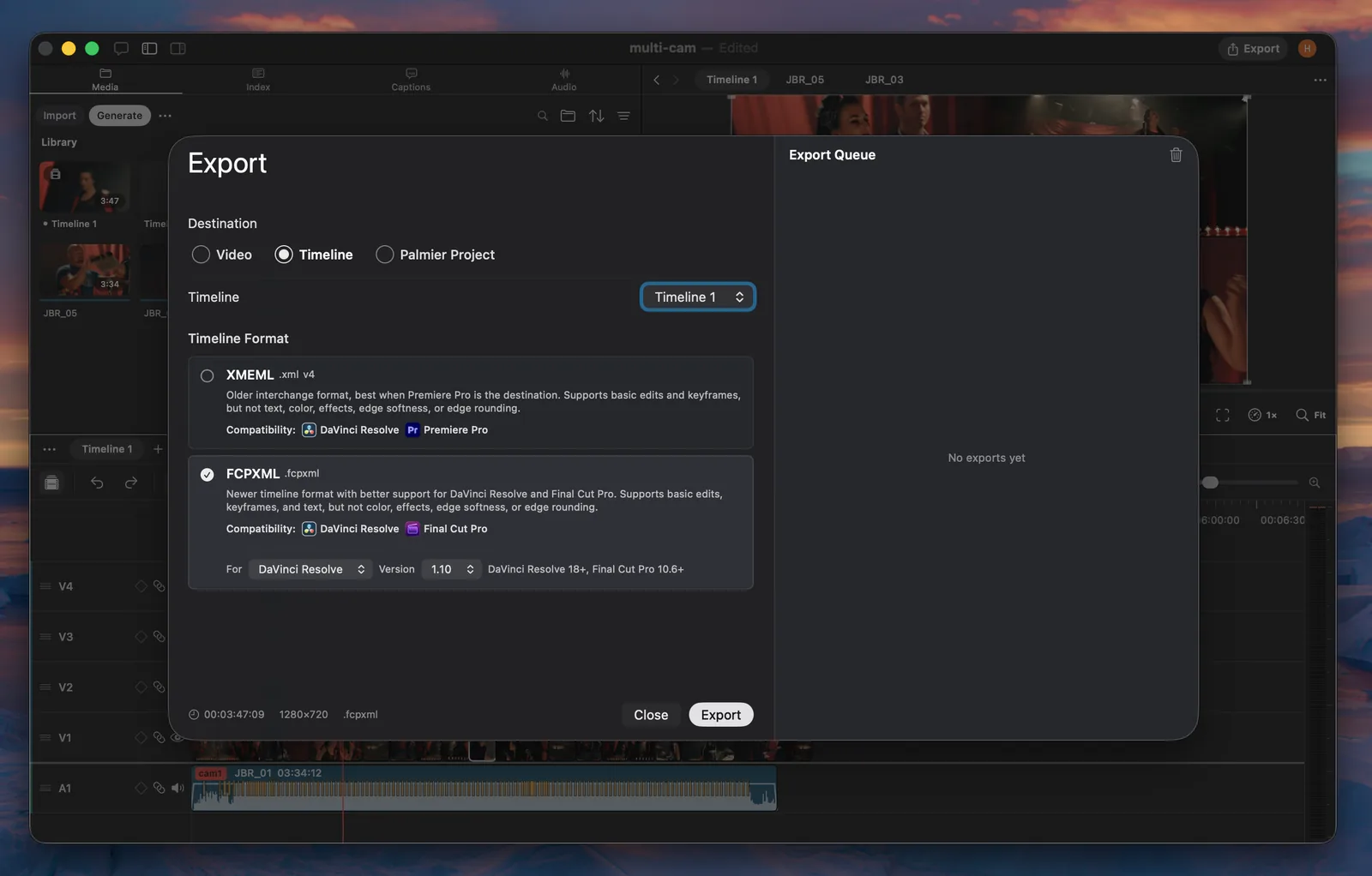
Palmier supports two timeline interchange formats because editing applications do not share one common format:
Adobe Premiere Pro
Use XML when Adobe Premiere Pro is the destination. Palmier exports XMEML 4, also known as Final Cut Pro 7 XML, because Premiere Pro does not natively support FCPXML.
XML carries clip placement, trims, speed, linked video and audio, nested timelines, fades, volume, opacity, transforms, crop, and keyframes. It does not carry text overlays, flips, keyframe interpolation curves, Palmier color and effects, edge softness, or edge rounding.
DaVinci Resolve
Use FCPXML for DaVinci Resolve. Select DaVinci Resolve as the target because Resolve interprets position and crop values differently from Final Cut Pro.
FCPXML carries clip placement, trims, speed, track order, text styling, transforms, flips, crop, opacity, static volume, source timecode, and supported visual keyframes. It does not carry audio volume keyframes, audio fades, text background boxes, crop keyframes, Palmier color and effects, edge softness, edge rounding, or Lottie clips.
FCPXML 1.10 supports DaVinci Resolve 18 and later. Versions 1.11 through 1.14 require DaVinci Resolve 21 or later.
Final Cut Pro
Use FCPXML and select Final Cut Pro as the target. Choose the version that matches the destination:
- FCPXML 1.10 for Final Cut Pro 10.6 and later
- FCPXML 1.11 for Final Cut Pro 10.7 and later
- FCPXML 1.12 for Final Cut Pro 10.8 and later
- FCPXML 1.13 for Final Cut Pro 11 and later
- FCPXML 1.14 for Final Cut Pro 12 and later
FCPXML has the same supported fields and limitations listed for DaVinci Resolve.
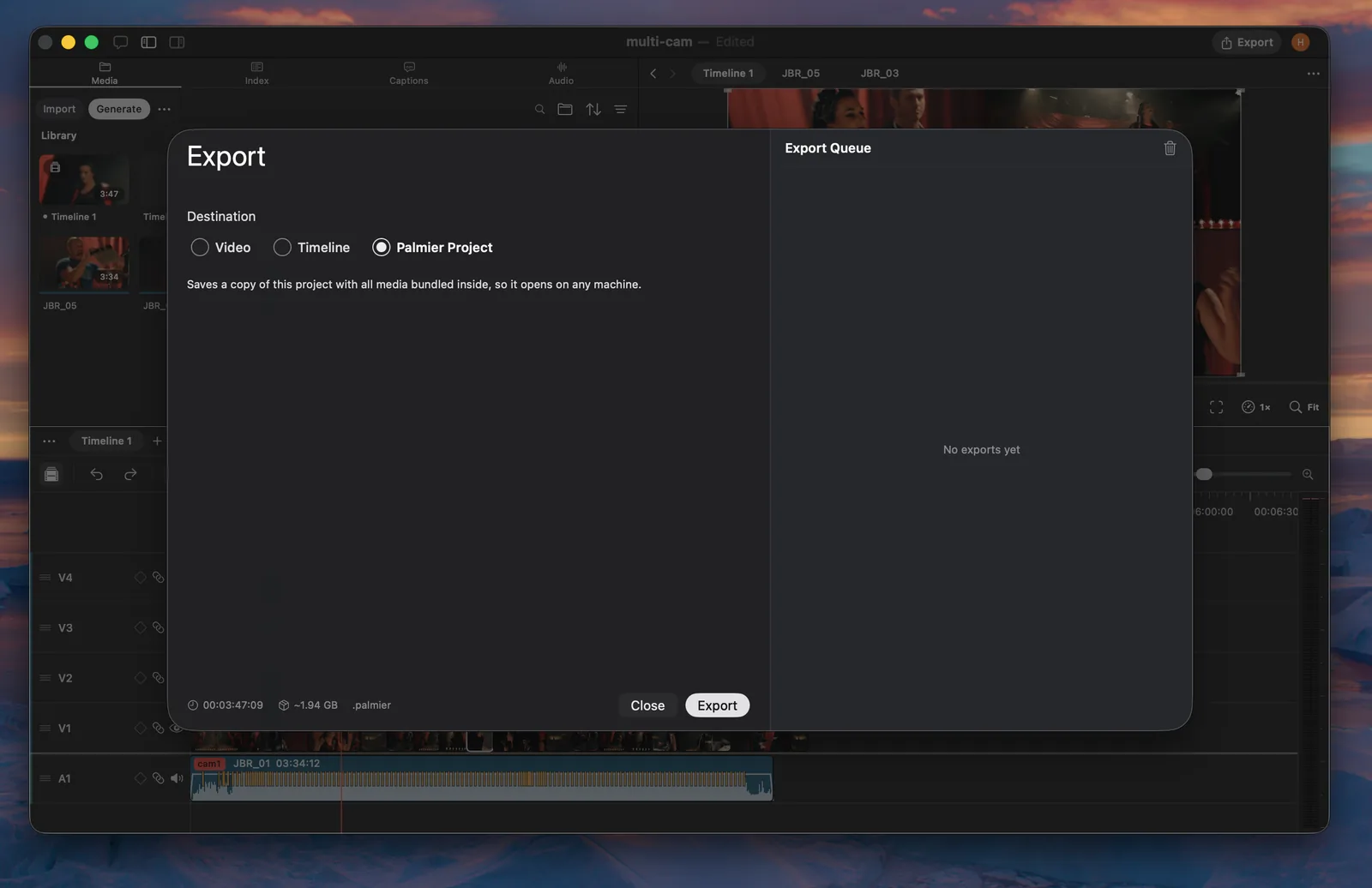
Export a Palmier project
A Palmier project export creates a self-contained copy of the project with its available media bundled inside.
Use it to:
- Move an editable Palmier project to another Mac.
- Send the complete project to another Palmier user.
- Archive a project without depending on media stored elsewhere.
- Create a backup before moving or deleting source files.
Palmier copies every available media file into the package and updates the project to use those bundled files. It also carries timelines, the media library, project thumbnails, chat history, and mask data. Missing media cannot be bundled, so review any export warnings before sharing or archiving the package.
Use XML or FCPXML instead when the timeline needs to continue in another editing application.