March 11, 2026Harrison Tin7 min read
The Aesthetic Problem with Nano Banana
I'm a fan of our ex-YC partners Dalton and Michael's Youtube channel, and they recently had a discussion about "Slop vs Craft". The term "slop" has been used very heavily towards AI-generated code or AI-generated content.
Michael defined the term "slop" as products that don't actually help the user.
Dalton defined it as in your own objective mind, you know it's not that good.
Although they referred to "slop" as products written by Claude Code, the same term can apply to AI-generated videos as well. Overly contrast skin tone, flat colors, semi-animated look. I'm sure you've seen these too.
At the beginning, we have also produced a lot of "slops", where the users didn't like them, and objectively, we didn't like them either. Since then, we have done a lot of research on why it's sloppy, and how we can improve them. Here is what we've learned.
Background
To understand why AI videos have a certain look, let's understand how we are making these videos. Almost all of our videos are made with image-to-video, rather than text-to-video. The reasons are:
- Iterating on images is much faster and cheaper than iterating on videos
- It's easy to visualize the mood, style, and flow of the entire video with a storyboard/moodboard
- Deterministically controlling the video's style
Images determine the overall aesthetic, while video generation focuses on the motion and action. So the typical creation process becomes:
- Iterating on the script/story idea (text-based)
- Iterating on the images (characters, locations, first/last frames of each scene). This is where we visualize the story, and the aesthetic.
- Iterating on the videos. We mostly focus on the physics, hallucinations, motion, and actions here, not so much the style.
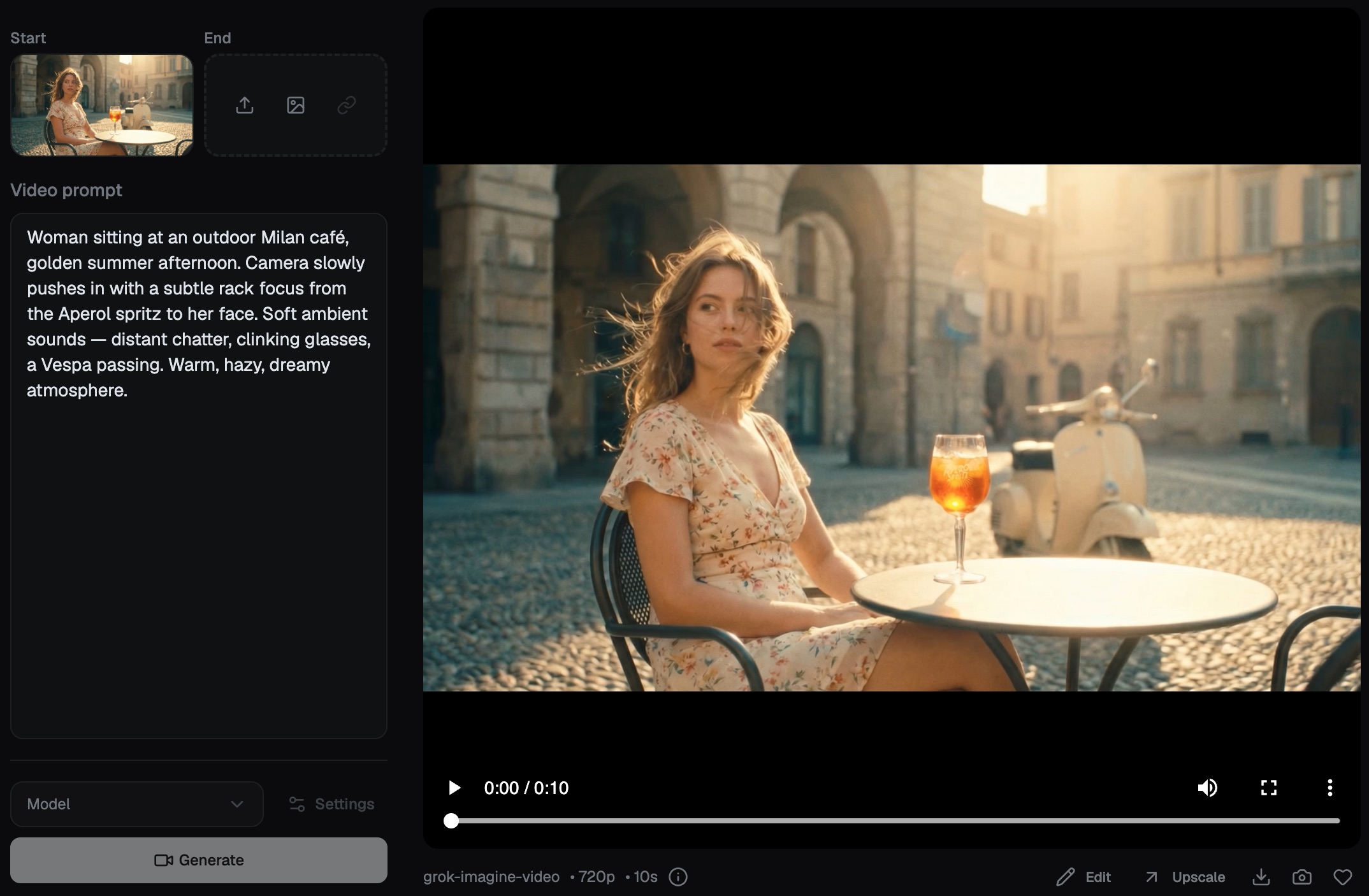
Nano Banana Pro
Today, the killer combo for most AI videos are Nano Banana Pro + Kling 3.0 (this is before we have access to seedance 2.0). Although we have tried multiple image models like Flux 2 Pro, Seedream 5, GPT 1.5, etc., Nano Banana Pro stands out with its details and instruction following.
Let's talk about what we see from how users use Nano Banana Pro, and what problems it has.
Simple Prompting
Most users by default will type in a very simple prompt to describe what's in their head. The two problems with a vague prompt are
- raw output is not what user was imagining.
- a diffusion model defaults toward the average of its training data, which tends to be smooth, over-processed, and generic.
So users tend to be disappointed with simple prompting.
#1 Attempt: AI-refined Prompt
To solve this, we added an AI chat to iteratively refine prompts with users. Given a set of examples and prompt guides, the AI assistant has a better understanding of how to prompt Nano Banana Pro, including detailed descriptions of camera angle, lighting, styles, etc. Examples:
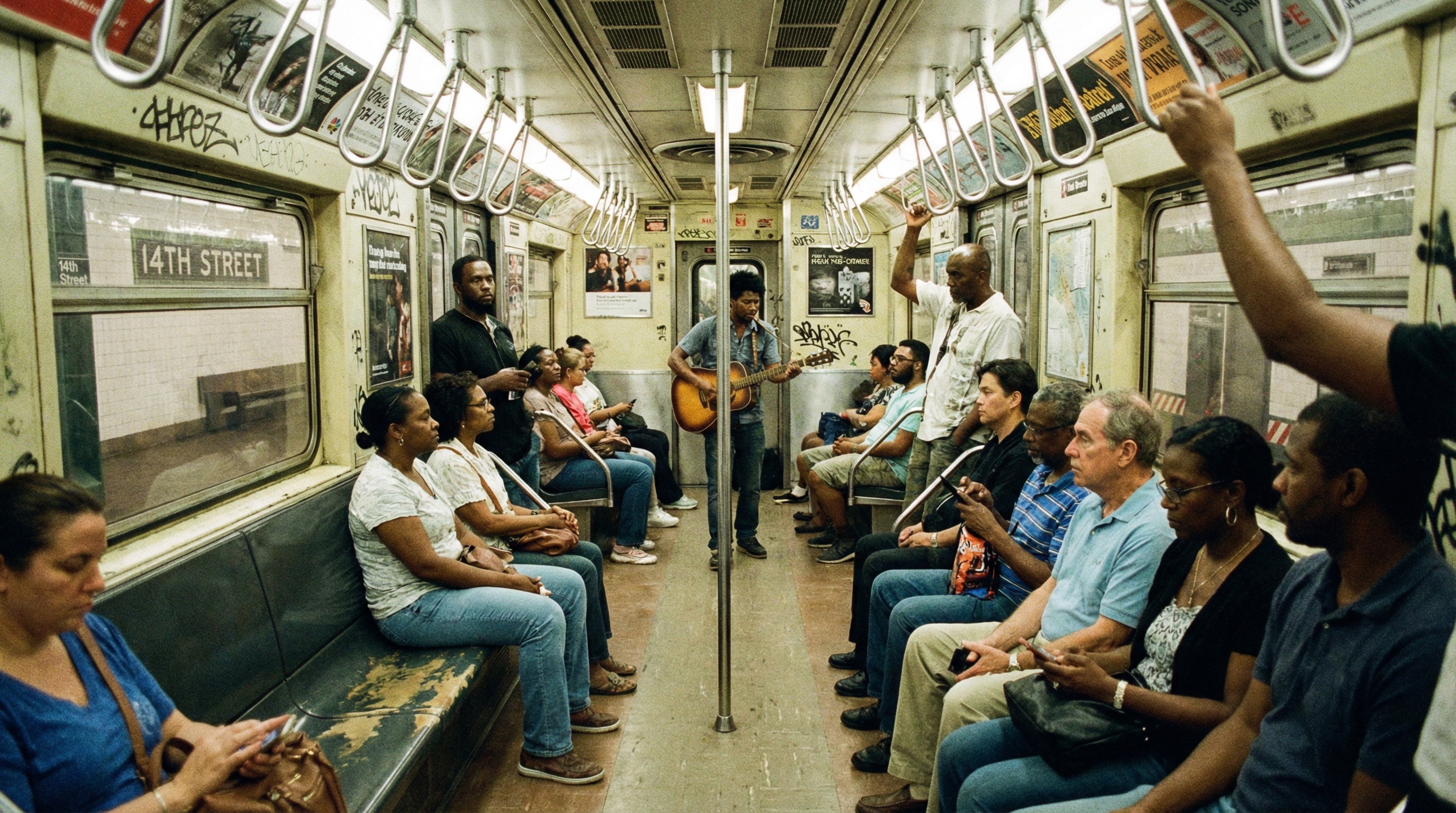
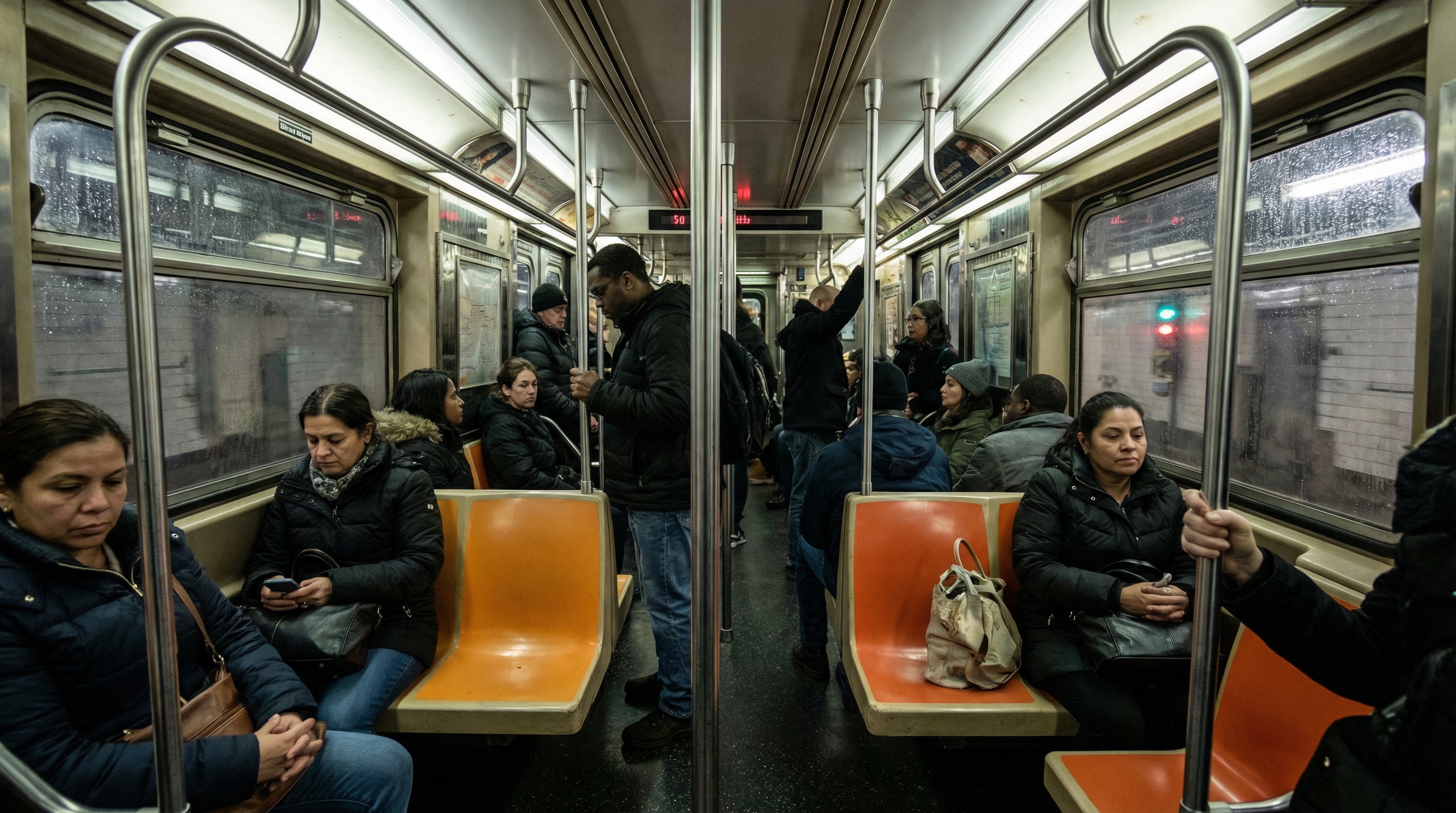
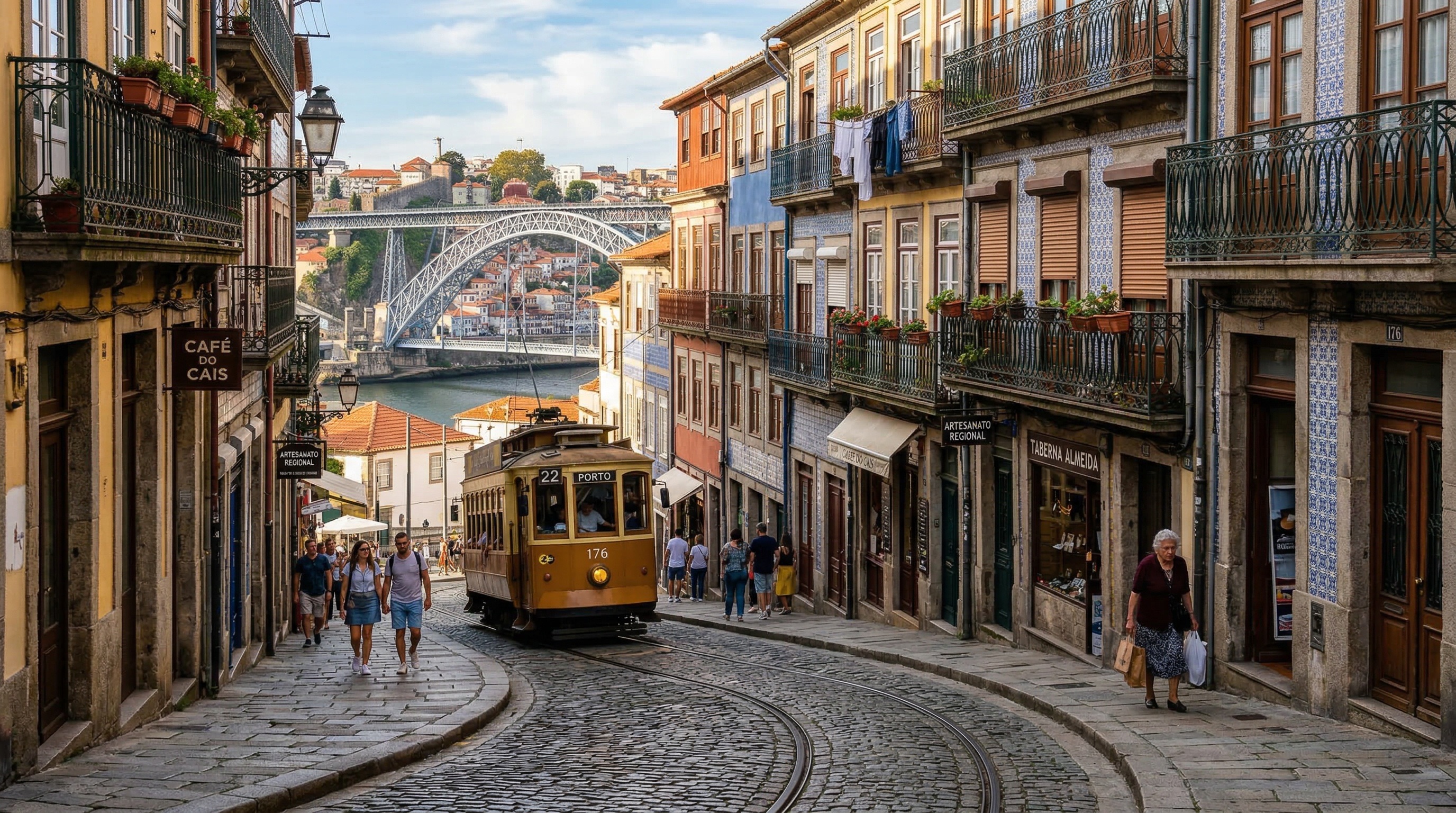
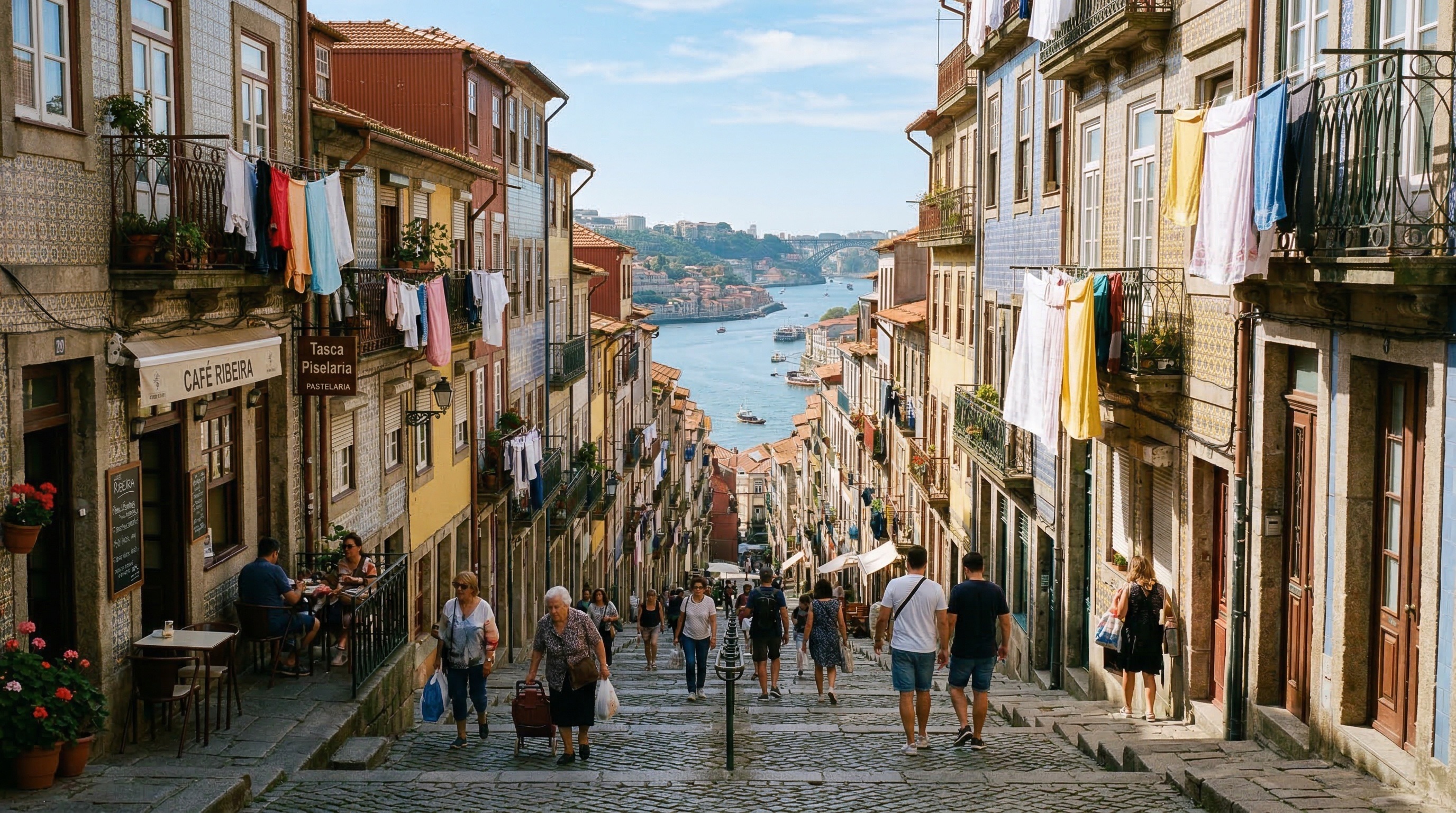
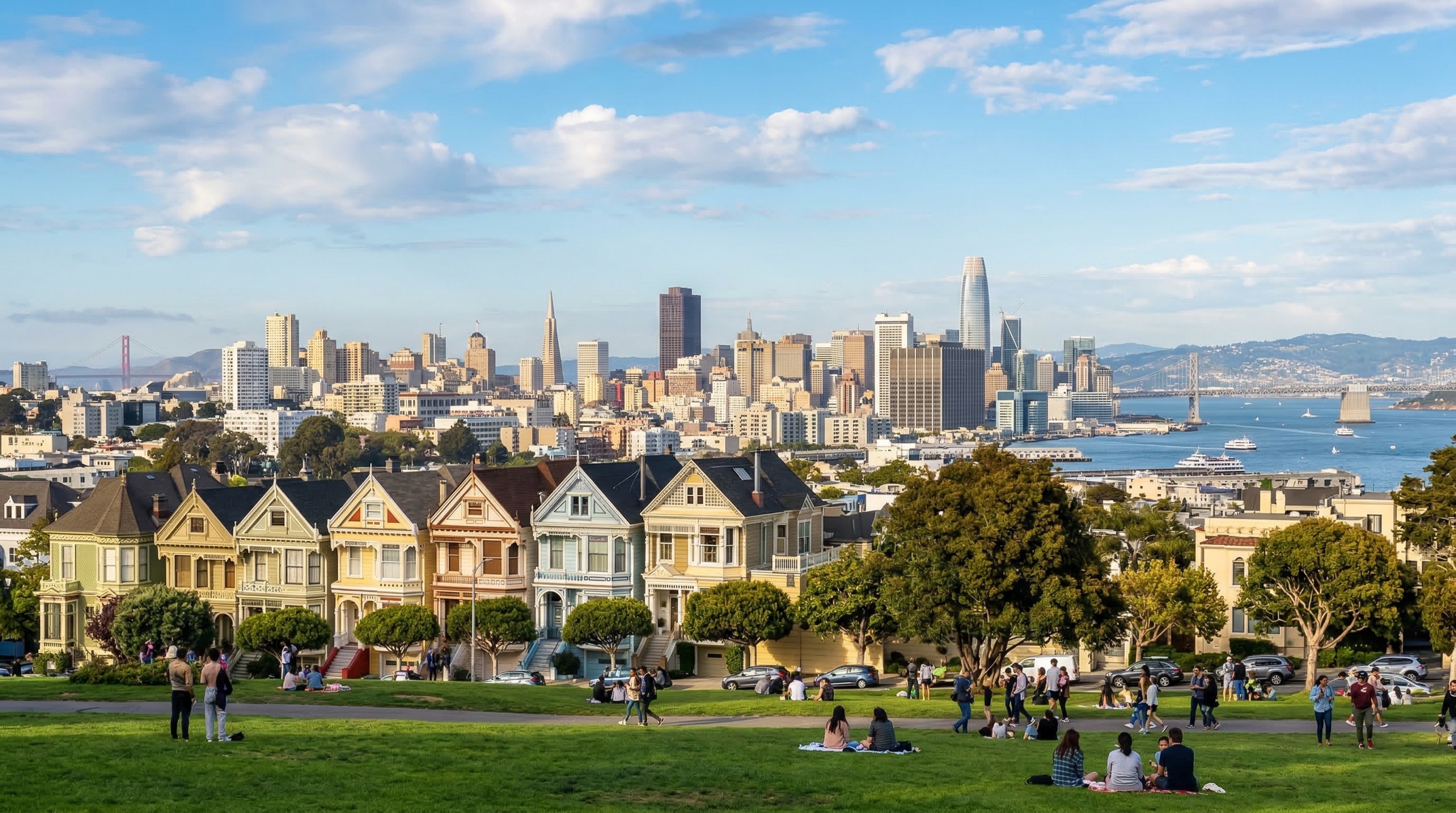
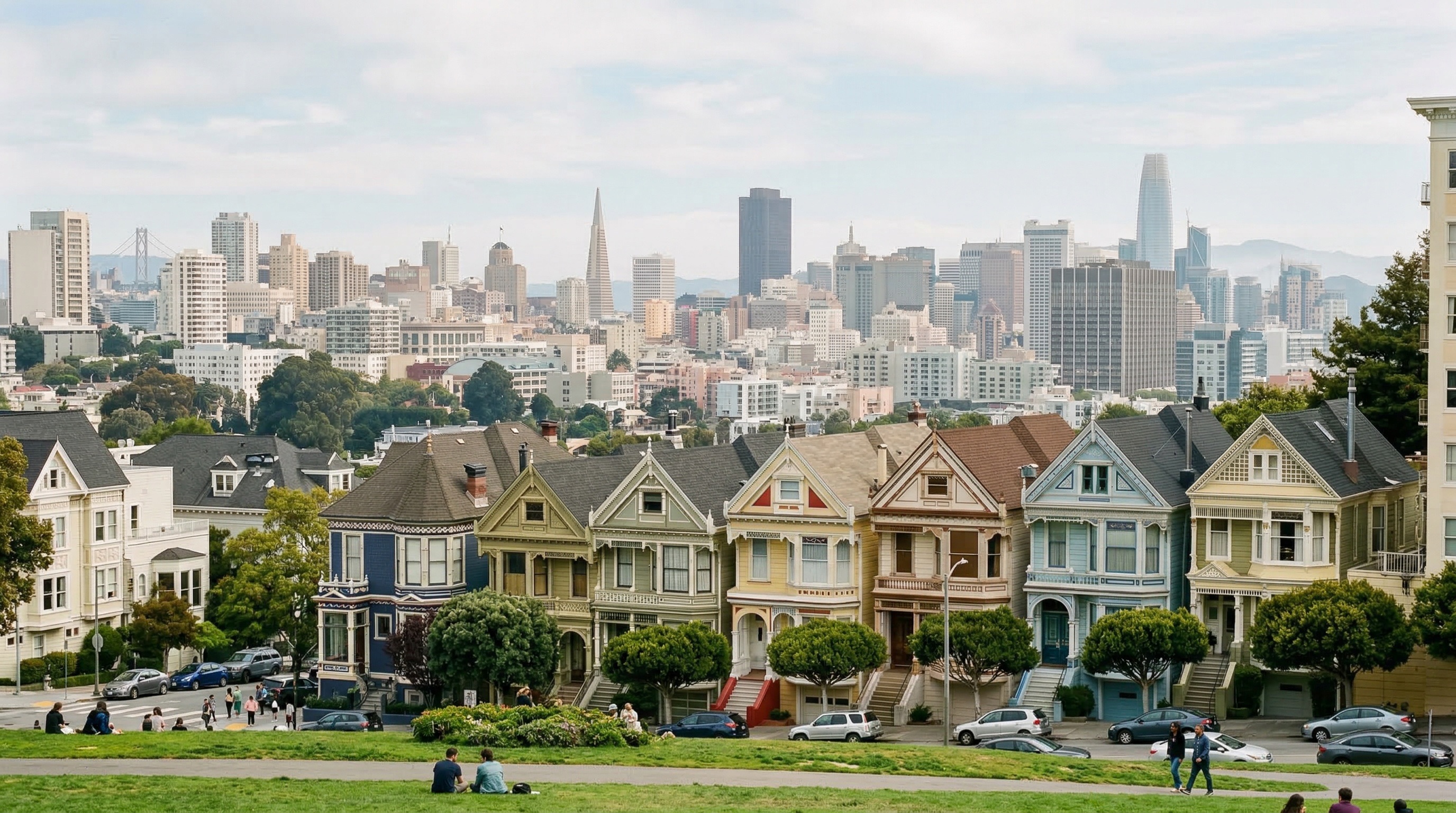
The results vary. It got maybe better in terms of the details, but the style is still very bland (sometimes worse). Plus, the AI assistant needs a way to understand what users want, otherwise unnecessary text leads to more slop. To improve this, we made the AI assistant start off by asking users the right questions, to offload the overhead of thinking about camera angle, style, and technical details (this is inspired by Claude Code). This helps the agent gather info from the user and only include the necessary information in the prompt.
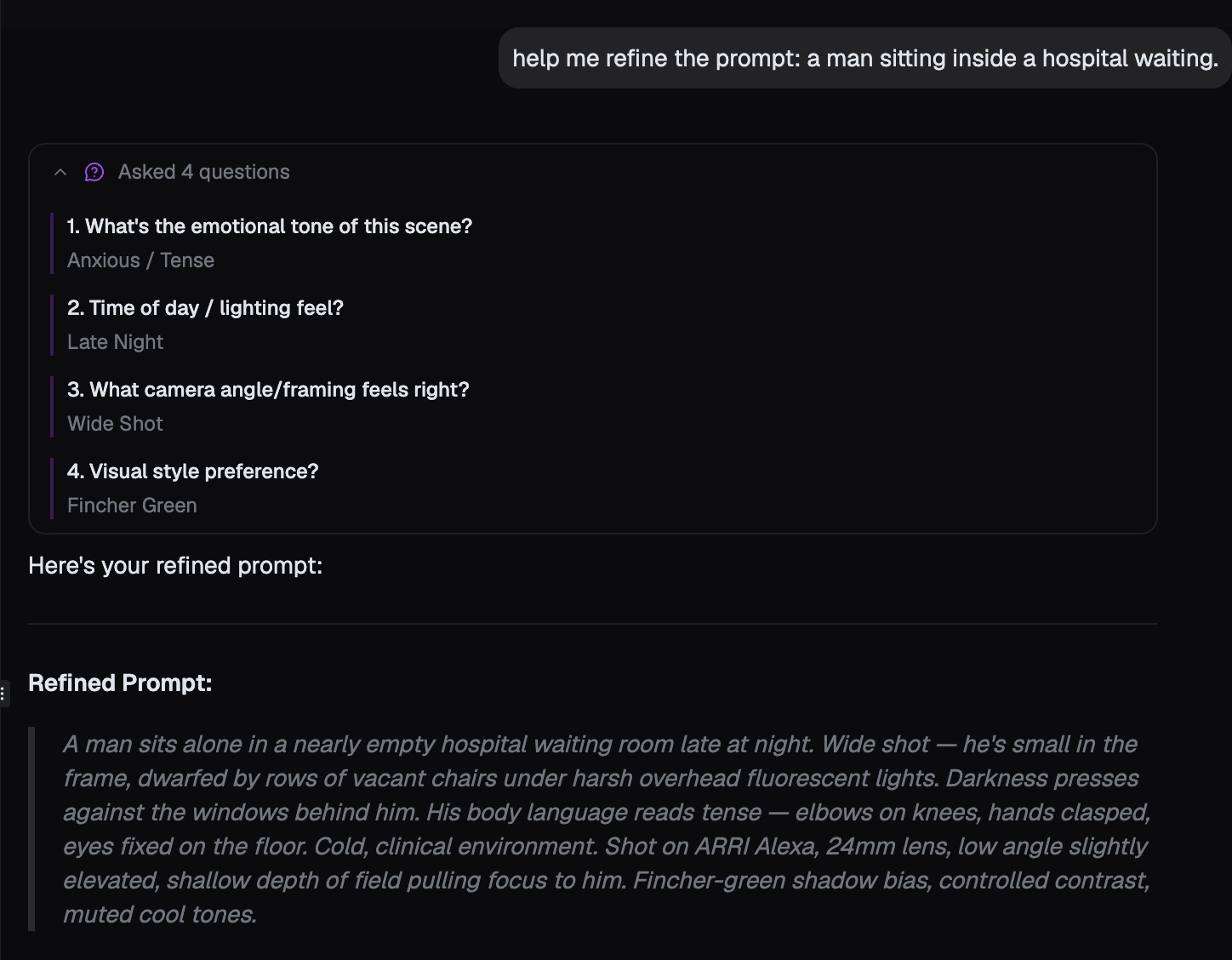
The Nano Banana Default Aesthetic
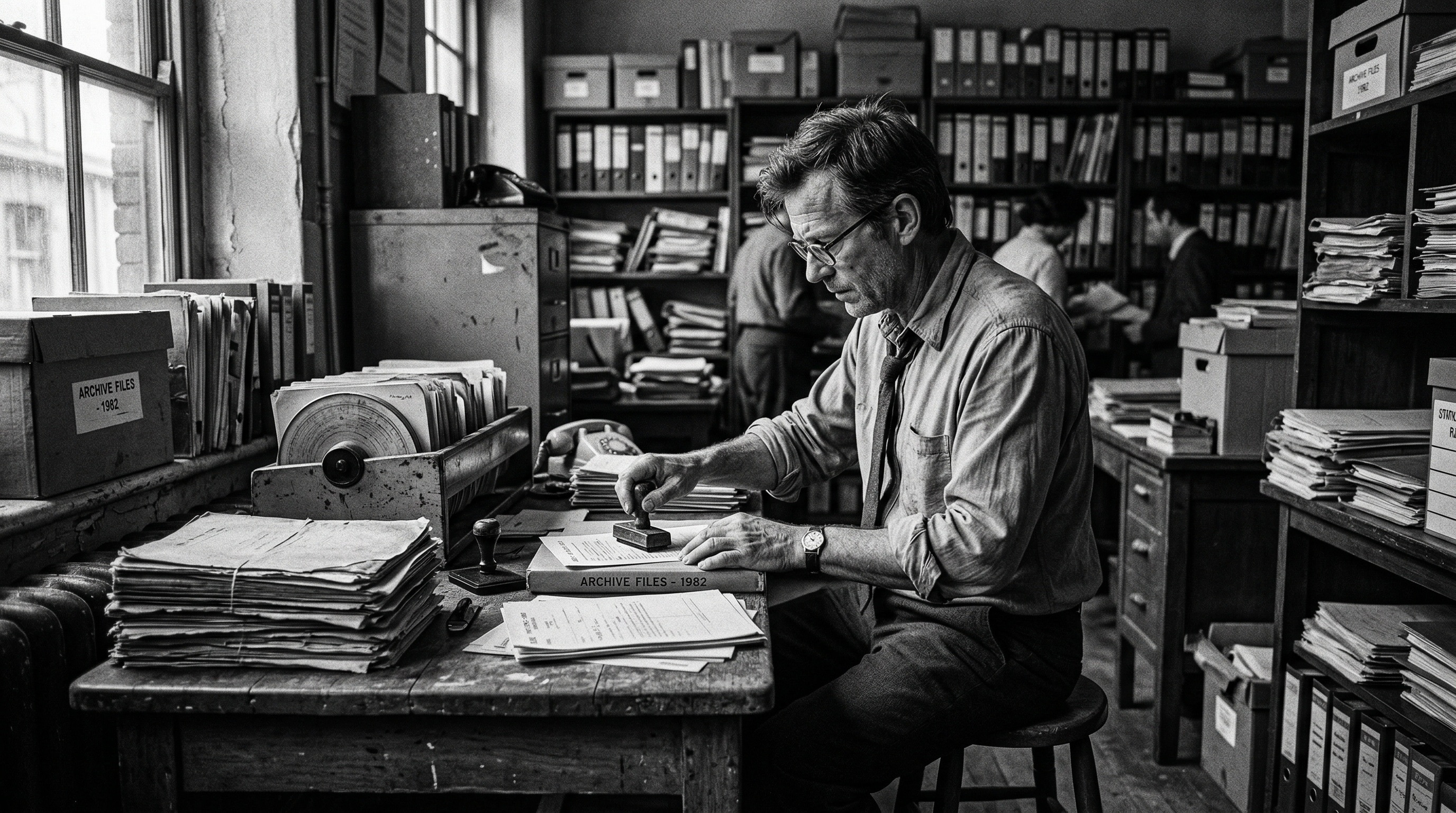
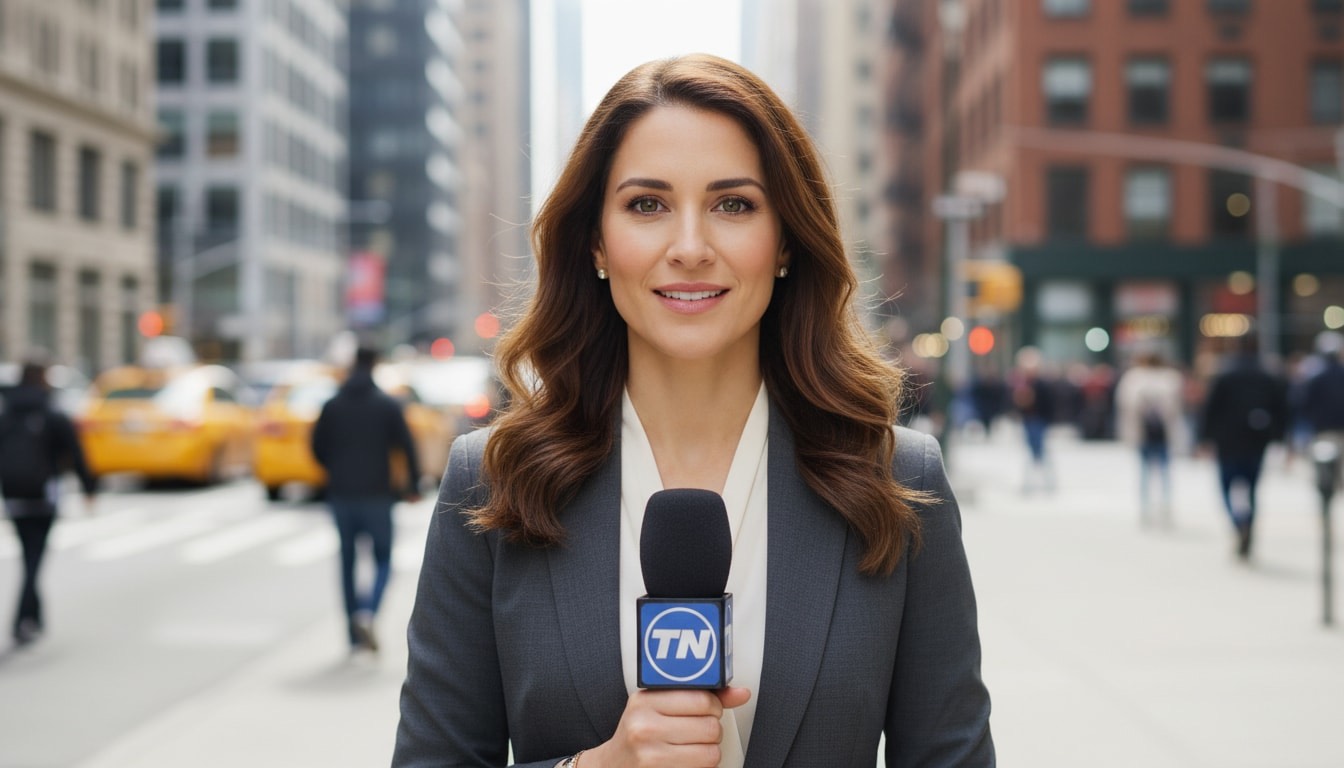
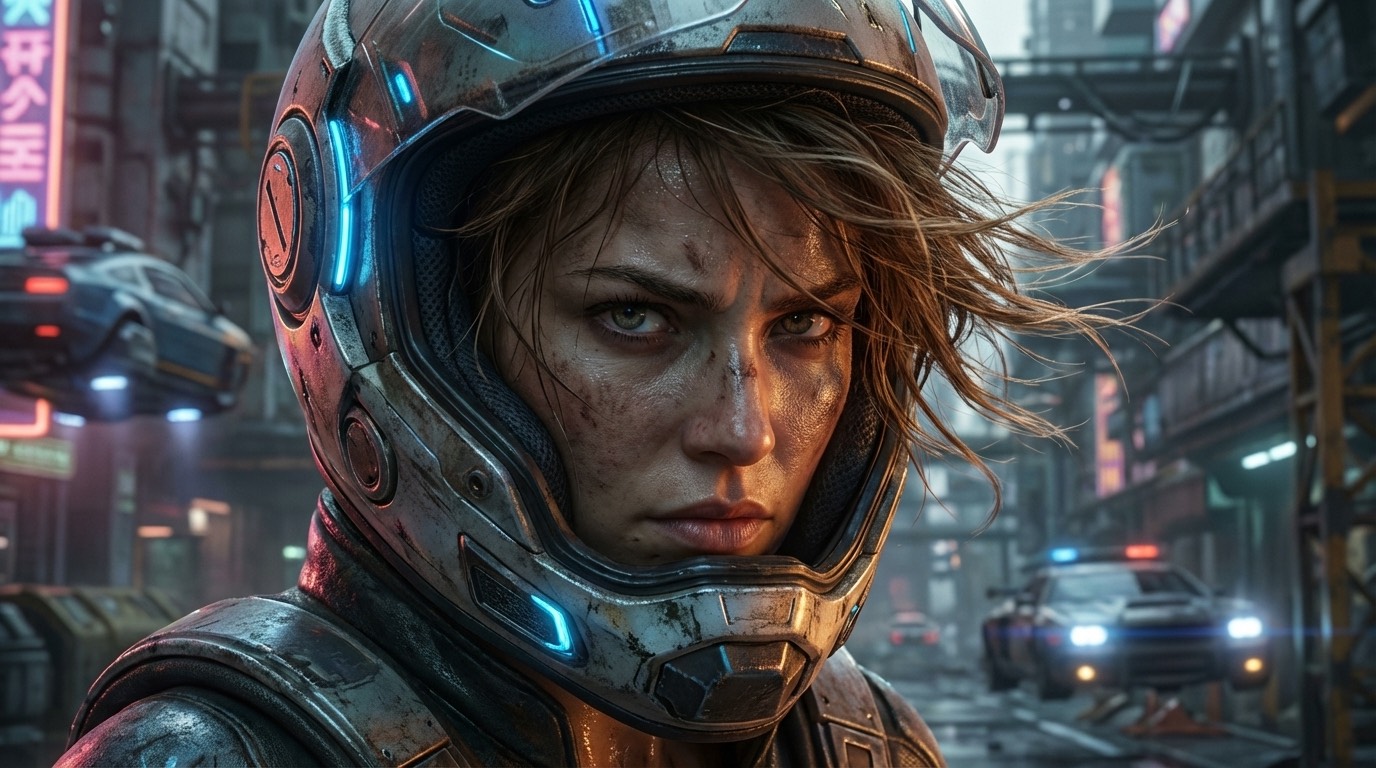
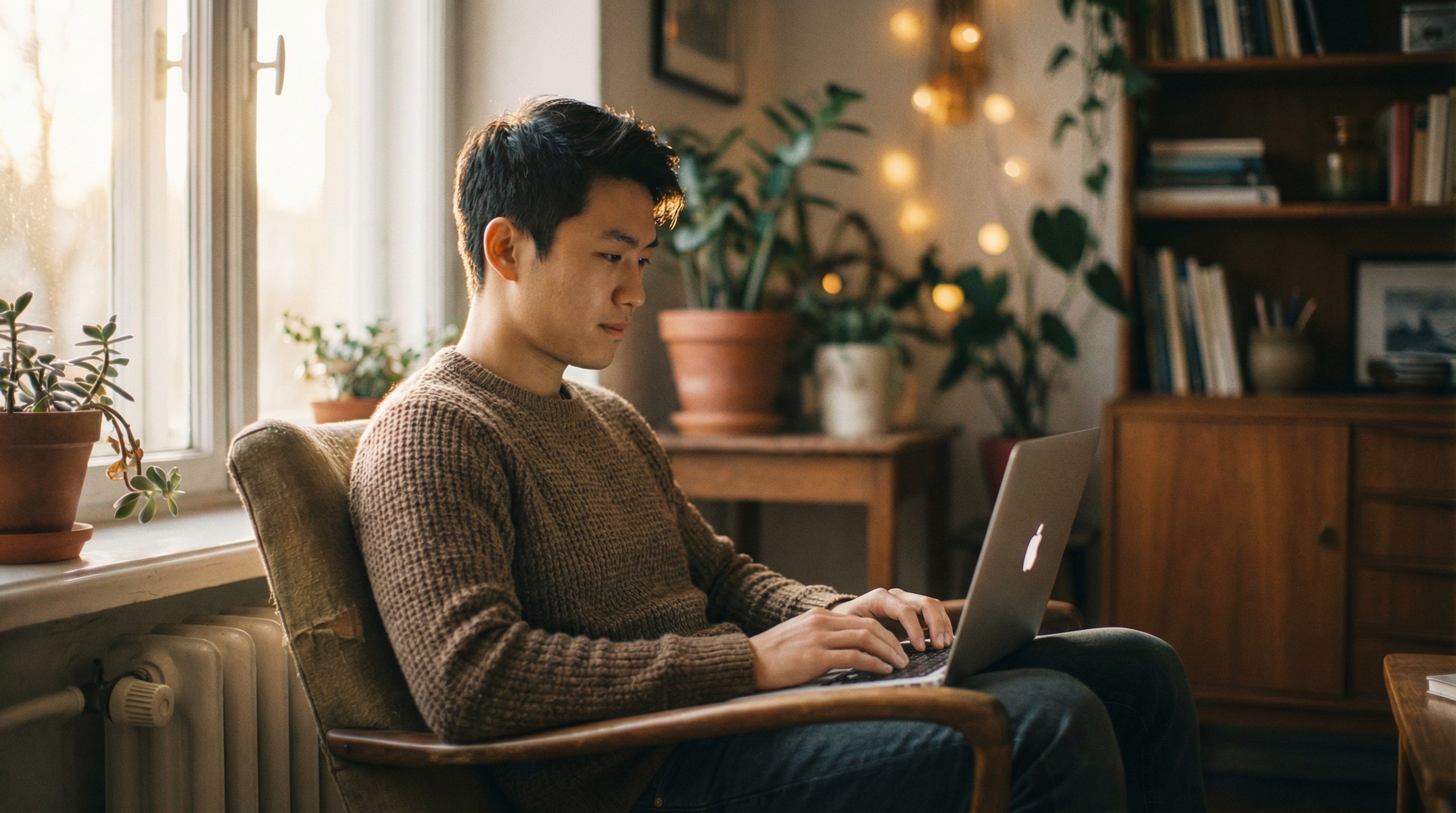
But even with descriptive prompting, Nano Banana Pro still has a "style". When the AI assistant uses words like "cinematic", "soft natural daylight", "fluorescent lighting", it triggers Nano Banana Pro to generate a similar color palette every time. Cinematic scenes are not really cinematic because the color turns out to be flat. Skin tones are sometimes too smooth, other times overly contrasted. Also, it's hard for users who are not into color grading and filmmaking to describe "colors" or "styles".
#2 Attempt: Preset Styles
Coming from a Fujifilm loving user, I've always enjoyed the built-in Fujifilm simulations that recreate the look of Fuji analog films (Classic Chrome, Velvia, Astia, etc) inside the image processing pipeline, so I can just post the pictures SOOC (straight out of camera). I wanted the same experience with Nano Banana Pro, where I can just apply a nice built-in simulation so the photos come out to be a certain look, so I did some research on color sciences and prompting technique.
After digging into color grading and Davinci Resolve, I found out about some popular LUTs (Lookup Table, think of a set of transformation value to apply when color grading) people use when they color grade their footage to be "film like": Kodak 2383 Print, Fujifilm 3513, Teal & Orange, etc. So I tested Nano Banana Pro with just JSON prompting and trigger words to see if they are reactive.
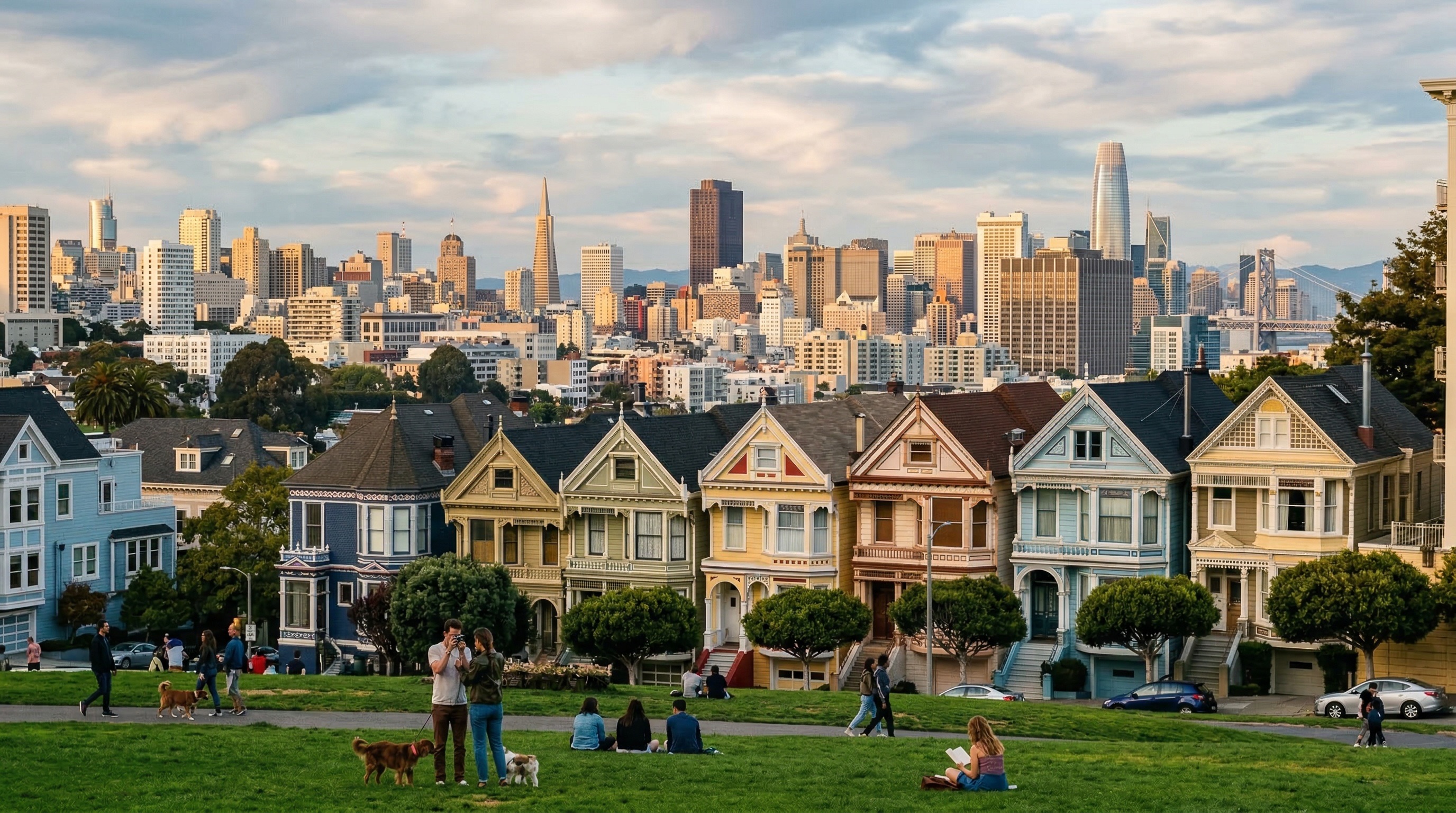
The results are... not quite there. It added a bit contrast, but the color is still flat. Next, I curated some reference images from movies that use similar film stocks. The input to Nano Banana Pro becomes:
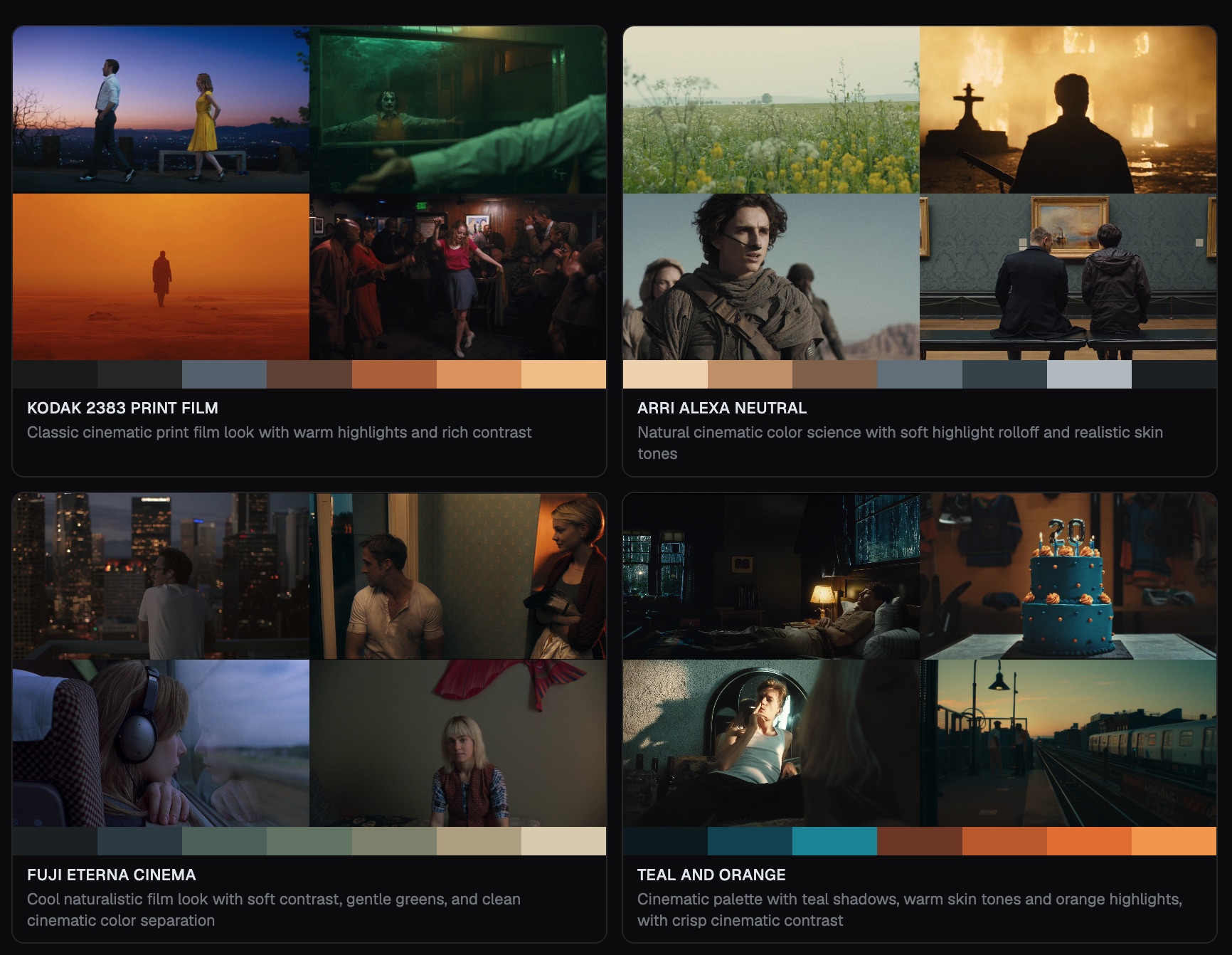
  {
    "instruction": <instruction>,
    "cinematic_style": {
      "style_name": "Kodak 2383 Print",
      "color_palette": ["#1a1a1a", "#2b2b2b", ...],
      "references": ["Image 1", "Image 2"],
      "rules": [
        "use references for color, lighting, lens, texture, aesthetic and mood only",
        "do not copy subjects or composition from references",
      ]
    }
  }
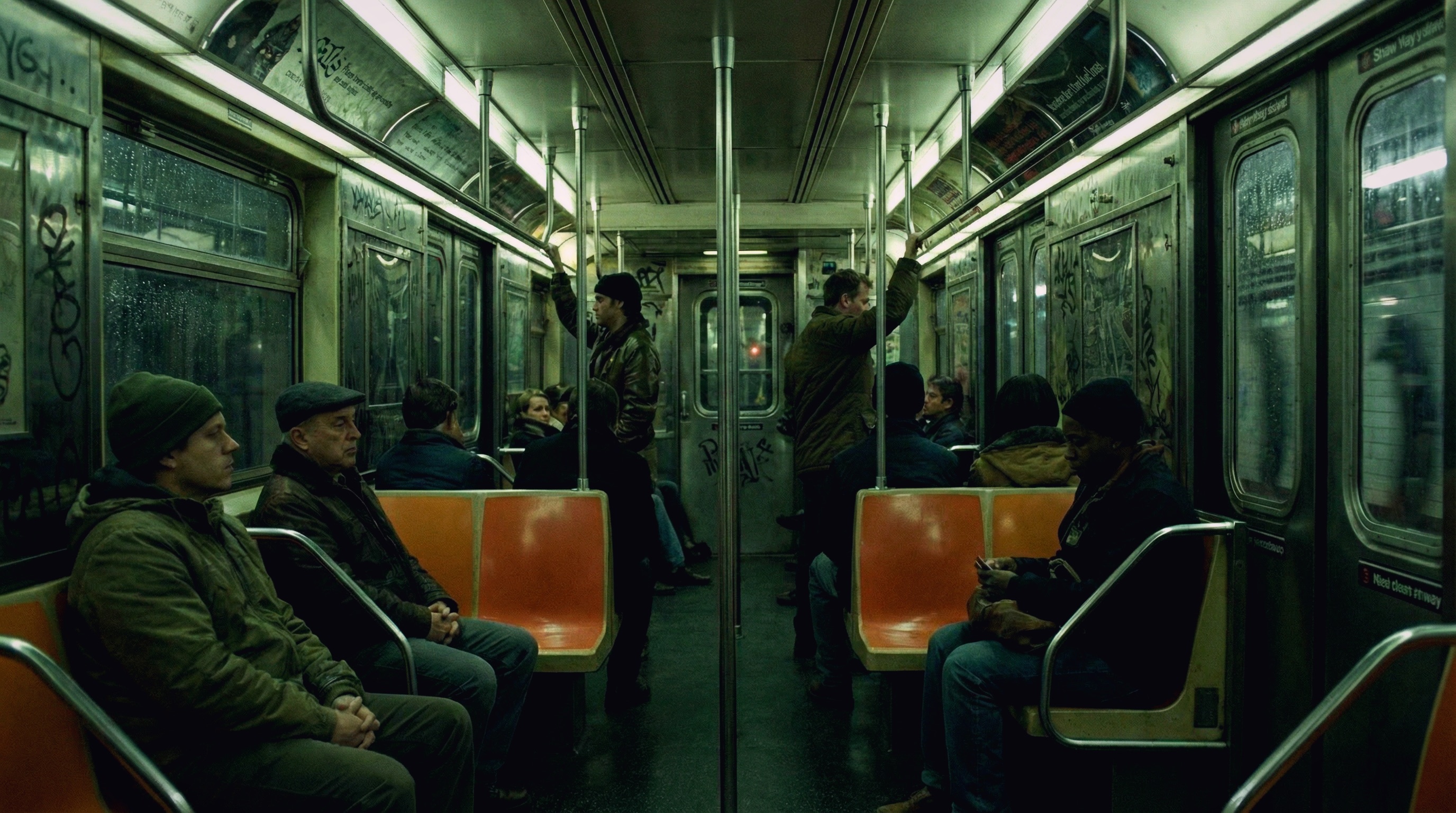
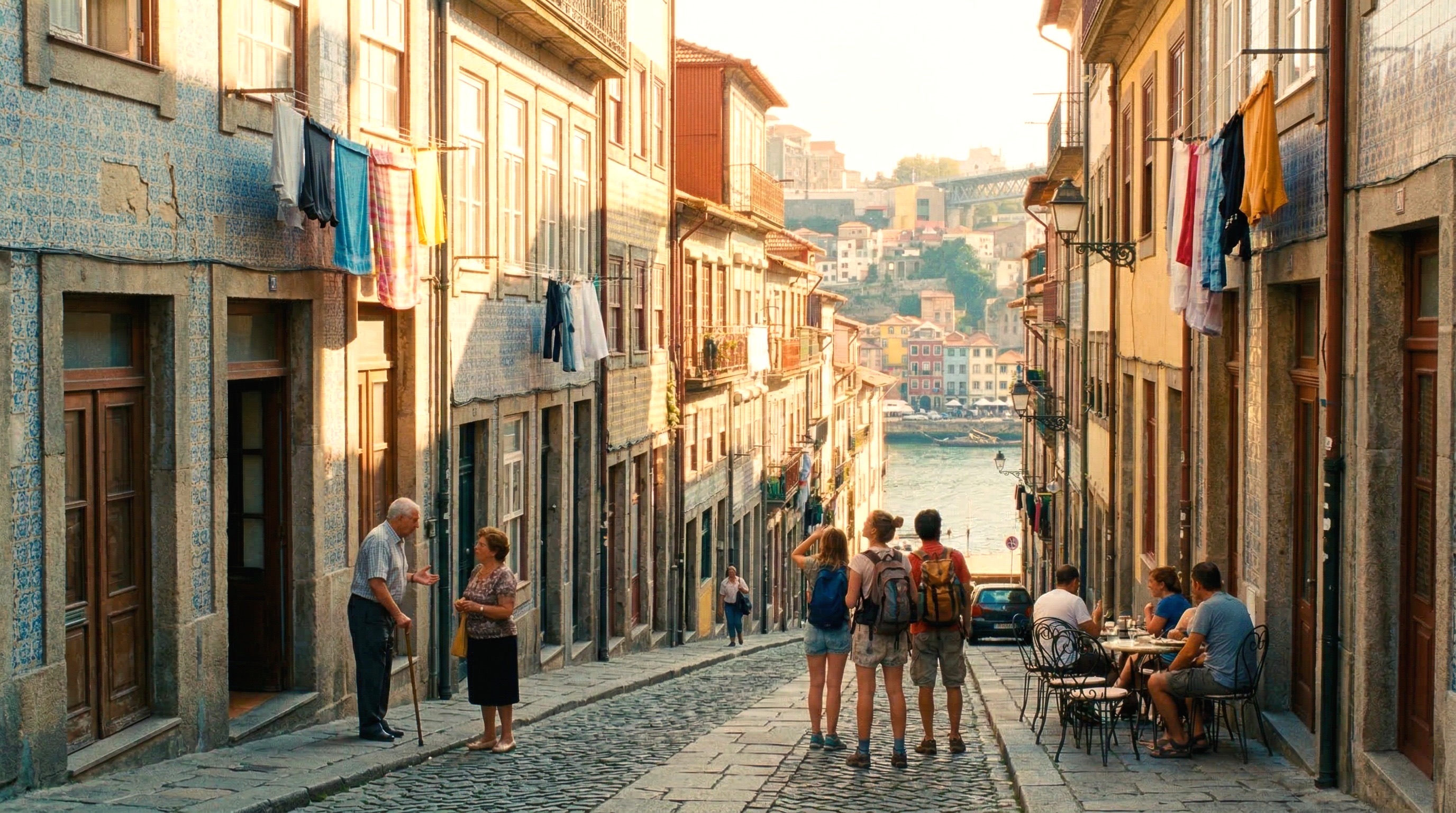
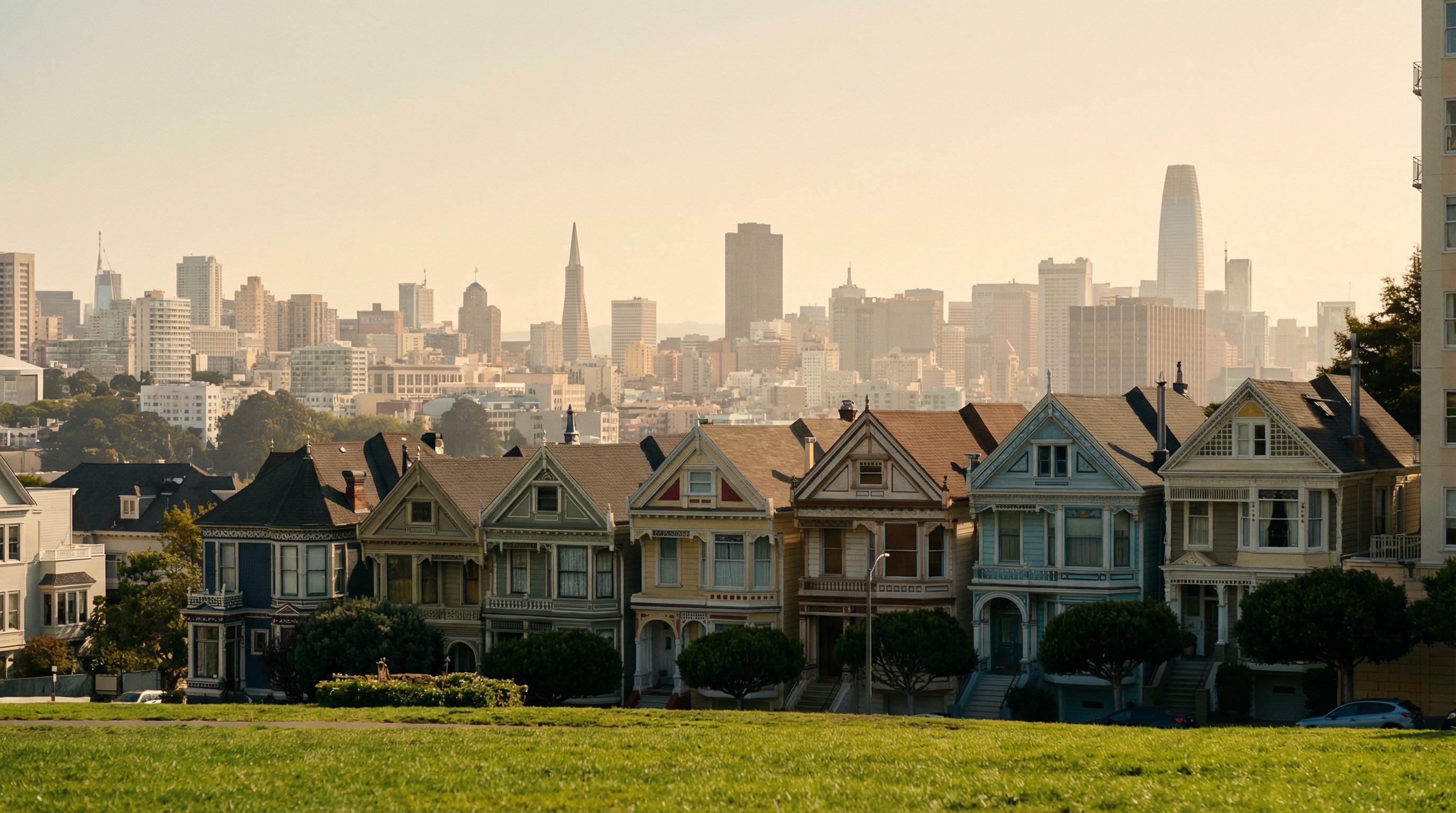
This time, I think it got much better! There is much more color and depth to the image, and all it took was one click to select the style. We are still working on adding more styles that we found aesthetically pleasing to Palmier, so our users can enjoy making cinematic content with less AI slop.
#3 Attempt: Image Editor
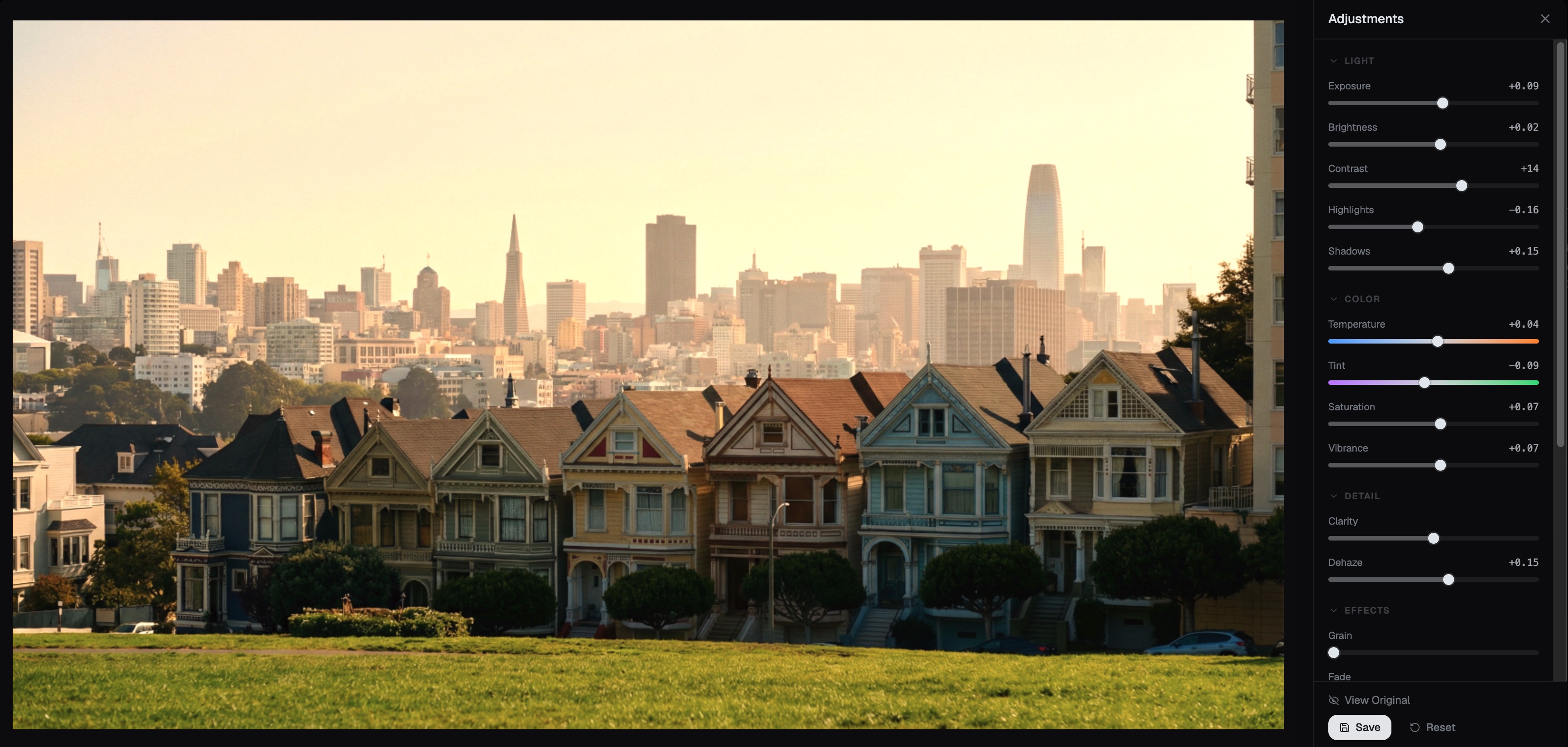
Since the quality of the images directly affect the quality of the video output, upscaling and color grading your images will always produce better videos (for power users / professional creators). So we added a in-browser image editor. If the lighting/colors need adjustment, users can now just do minor changes instead of re-generating images.
What's Next
There are still a ton of improvements can be made. On our roadmap:
- How well can AI just edit the images? Given a histogram of a desired look, can it reproduce similar color/vibe?
- Customized LUTs and filters. We are also exploring if there is a customized LUTs for AI-generated images to make it more cinematic/natural, e.g. increases clarity, dehaze, vibrance, the S curves, white balances, etc.
- Color grading the final video output. It requires much more work, but it does yield better results. We are exploring a better UX, specifically for AI-generated videos.
If you're interested in the work we are doing, or the product, or looking for tips to make AI videos, please reach out!